
Assets, data, and business impact
Identify critical systems, departments, data types, workflows, vendors, cloud services, and recovery priorities so technical risk is tied to business exposure.
Find exposure, strengthen essential controls, and build practical resilience around the systems your organization depends on.
Explore cybersecurity services →Evaluate controls independently, document defensible findings, and focus remediation on the risks with the greatest operational impact.
Explore security audits →Translate security obligations into clear evidence, accountable remediation, and a practical path toward audit or customer readiness.
Explore compliance services →Bring security governance, risk decisions, leadership communication, and improvement planning into one accountable executive program.
Explore vCISO services →Orange County Technical security implementation
CISO-led guidance for cybersecurity risk management, focused on the business risk, affected environment, evidence available, and practical action that should follow.
CISO-led guidance from Ali Hassani, backed by 25+ years of IT, cybersecurity, compliance, and infrastructure experience.

A focused video briefing for leaders and IT teams working through this page.
Virtual CISO Leadership Series · Episode 04
Use this concise briefing alongside the guidance on this page to connect cyber risk assessment with clear evidence, accountable ownership, and a practical next action.
Cybersecurity risk management is not only a technical scan or one-time checklist. It is the process of identifying business exposure, reviewing controls, ranking risks, assigning ownership, tracking remediation, validating fixes, and communicating residual risk to decision makers.
OC Security Audit helps business owners, IT managers, CISOs, CIOs, compliance leaders, and local Southern California organizations connect cybersecurity findings to practical business decisions.
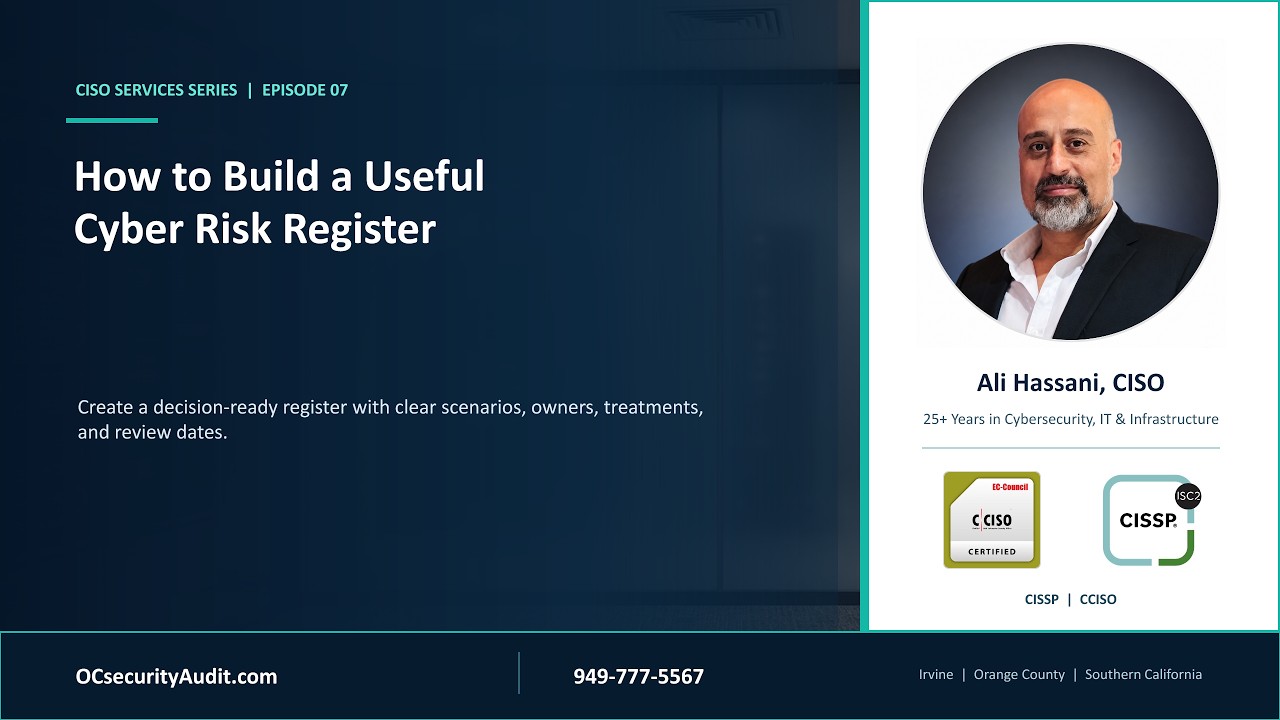
A focused video briefing for leaders and IT teams working through this page.
Virtual CISO Leadership Series · Episode 07
Use this concise briefing alongside the guidance on this page to connect cyber risk register development with clear evidence, accountable ownership, and a practical next action.
The goal is to make risk visible, measurable, prioritized, and actionable. The service can support a formal assessment, a vCISO program, a cyber insurance review, compliance readiness, or an internal risk reduction initiative.
Identify critical systems, departments, data types, workflows, vendors, cloud services, and recovery priorities so technical risk is tied to business exposure.
Review identity, endpoint, network, email, firewall, backup, monitoring, vulnerability, and policy controls against business risk and compliance needs.
Rank findings by exploitability, business impact, affected data, compliance exposure, operational dependency, cost, and remediation complexity.
Build an action plan with owners, due dates, budget considerations, dependencies, success criteria, and validation steps.
Separate board-ready risk summaries from technical detail so leaders and IT teams can each act on the information they need.
Turn risk management into a recurring program with updated registers, control reviews, remediation tracking, and accepted-risk documentation.

Cybersecurity risk management works best when technical evidence is translated into business language: what could happen, who owns the decision, what it may cost, how urgent it is, and what level of residual risk remains after remediation.
Deliverables are tailored to the organization, but the output should be useful for executives, IT teams, auditors, insurers, vendors, and project owners.
Risk title, description, affected asset, business impact, likelihood, severity, owner, target date, and status.
Major risk themes, business exposure, compliance concerns, quick wins, budget needs, and management decisions.
Prioritized tasks, dependencies, implementation notes, evidence needs, and validation approach.
Accepted risk, deferred items, compensating controls, recurring reviews, and leadership sign-off support.
Use this read-only worksheet to review risk management activities. Search or filter by phase to find relevant tasks, owners, and evidence.
| # | Phase | Category | Main Topic / Step | What Needs To Be Reviewed Or Completed | Primary Stakeholders | Evidence / Deliverable | Suggested Status | Priority | Risk Strategy Notes |
|---|---|---|---|---|---|---|---|---|---|
| 1 | Initiation | Assessment Scope | Define risk assessment objectives | Clarify why the assessment is being performed, which locations, departments, systems, data types, users, vendors, and cloud environments are included. | Executives, IT manager, project manager | Scope document, assessment charter, kickoff notes | Not Started | Critical | Start with business goals before technical testing. |
| 2 | Initiation | Project Governance | Confirm project authority and approvals | Identify who can approve interviews, scanning, evidence collection, system access, reporting, remediation budgets, and implementation decisions. | Executives, legal, compliance, IT leadership | Approval matrix, RACI chart, executive sponsor confirmation | Pending | Critical | Avoid delays by confirming decision authority early. |
| 3 | Discovery | Stakeholders | Identify decision makers and system owners | Document business owners, department managers, system owners, data owners, compliance owners, vendors, and final approvers. | Department heads, IT manager, executives | Stakeholder list, system owner list, interview schedule | In Progress | High | Every critical asset should have a named owner. |
| 4 | Discovery | Business Structure | Map departments and business functions | Collect department names, responsibilities, critical workflows, dependencies, third-party relationships, and operational priorities. | Operations, finance, HR, department managers | Business process map, department inventory | In Progress | High | Risk should be linked to business impact. |
| 5 | Discovery | Business Impact | Determine critical operations | Identify which services, departments, systems, applications, and data are required to keep the business running. | Business owners, operations, executives | Business impact notes, critical process list | Pending Review | Critical | Use this to guide recovery priorities. |
| 6 | Discovery | Data Inventory | Identify critical and sensitive data | Document customer data, employee data, financial records, intellectual property, operational data, regulated data, confidential documents, and backups. | Data owners, IT manager, compliance officer | Data inventory, data classification worksheet | In Progress | Critical | Classify data by sensitivity and business value. |
| 7 | Discovery | Data Flow | Map how data moves | Review where data is created, stored, transmitted, shared, backed up, archived, deleted, and accessed by employees or vendors. | IT administrators, application owners, business owners | Data flow diagram, storage location list | Not Started | High | Data movement often exposes hidden risk. |
| 8 | Analysis | Data Loss Impact | Assess impact of data exposure | Evaluate impact if data is stolen, encrypted, deleted, published online, leaked internally, sold, or accessed by unauthorized parties. | Executives, legal, finance, compliance, IT | Impact rating, financial impact estimate, legal notes | Pending Review | Critical | Consider financial, legal, operational, and reputation damage. |
| 9 | Discovery | Compliance | Identify applicable regulations | Determine applicable standards such as HIPAA, PCI DSS, SOC 2, ISO 27001, NIST, GDPR, CCPA, CJIS, FTC Safeguards, or industry-specific requirements. | Compliance officer, legal, executives | Compliance matrix, requirement list | In Progress | High | Tie compliance requirements to specific controls. |
| 10 | Discovery | Asset Inventory | Inventory servers, endpoints, and devices | Collect information about physical servers, virtual machines, endpoints, laptops, mobile devices, storage systems, printers, IoT devices, and network equipment. | IT manager, system administrators | Asset inventory, hostname list, ownership list | In Progress | Critical | Unknown assets cannot be properly protected. |
| 11 | Technical Review | Network Security | Review network architecture | Assess firewalls, routers, switches, VLANs, VPNs, wireless networks, segmentation, exposed ports, remote access, and network diagrams. | Network administrator, IT manager | Network diagram, firewall rules, VPN list | Scheduled | High | Flat networks increase breach spread risk. |
| 12 | Technical Review | Vulnerability Scanning | Scan internal and external systems | Perform vulnerability scans on servers, endpoints, network devices, databases, web applications, external IPs, and cloud-facing services. | Security team, IT administrators | Vulnerability report, severity summary, scan scope | Scheduled | Critical | Confirm scanning is authorized before testing. |
| 13 | Technical Review | Patch Management | Review patching process | Check operating system patches, application updates, firmware updates, patch cadence, emergency patching, and unsupported systems. | IT administrators, system owners | Patch reports, update logs, exception list | Pending Review | Critical | Prioritize internet-facing and critical systems. |
| 14 | Technical Review | Cloud Security | Review cloud environment | Document cloud providers, tenants, subscriptions, identity settings, storage buckets, security groups, logging, encryption, backups, and exposed resources. | Cloud administrator, IT manager, security team | Cloud inventory, configuration review, access report | Not Started | Critical | Misconfigured cloud storage can create major exposure. |
| 15 | Technical Review | Identity & Access | Review authentication and permissions | Evaluate MFA, privileged accounts, shared accounts, inactive accounts, admin roles, service accounts, password settings, and role-based access controls. | IT manager, HR, system owners | User access review, privileged account list, MFA report | In Progress | Critical | Privileged accounts should be tightly controlled. |
| 16 | Technical Review | Email Security | Assess email protection | Review phishing protection, spam filtering, malware filtering, mailbox forwarding, MFA, DKIM, SPF, DMARC, mailbox permissions, and alerting. | IT administrator, security team | Email security settings, DNS records, mailbox rule review | Not Started | High | Email is a common entry point for attacks. |
| 17 | Technical Review | Applications | Review business applications | Identify critical apps, SaaS platforms, custom applications, vendor-managed systems, authentication methods, integrations, and patch status. | Application owners, IT manager, vendors | Application inventory, owner list, vendor dependency list | In Progress | High | Include both internal and SaaS applications. |
| 18 | Technical Review | Databases | Assess database security | Review database locations, sensitive records, access permissions, administrator privileges, encryption, backups, patching, audit logging, and retention. | Database administrator, IT manager | Database inventory, access review, backup evidence | Pending Review | Critical | Databases often contain the highest-value data. |
| 19 | Technical Review | Endpoint Security | Review endpoint protection | Assess antivirus, EDR, disk encryption, local admin rights, device compliance, mobile device management, USB controls, and endpoint logging. | IT administrators, security team | Endpoint security report, device compliance report | Not Started | High | Check unmanaged and remote devices carefully. |
| 20 | Technical Review | Backup & Recovery | Validate backup strategy | Review backup frequency, retention, encryption, offsite copies, cloud backups, immutable backups, recovery testing, and ransomware recovery readiness. | IT administrators, business owners | Backup reports, restore test results, RTO/RPO notes | Pending Review | Critical | Backups should be tested, not just configured. |
| 21 | Technical Review | Logging & Monitoring | Review visibility and alerts | Assess logs from servers, firewalls, cloud systems, endpoints, identity platforms, applications, and security tools. Confirm alerting and retention. | Security team, IT administrators | Log source list, alert rules, retention settings | Not Started | High | Without logs, incident investigation is limited. |
| 22 | Analysis | Policies | Review IT policies and procedures | Work with HR and IT to review acceptable use, remote work, password, access control, data handling, incident response, vendor, and device policies. | HR, IT manager, compliance officer | Policy documents, employee acknowledgment records | Pending Review | High | Policies should match actual business practice. |
| 23 | Analysis | Security Awareness | Evaluate employee training | Review cybersecurity awareness training, phishing simulation history, onboarding training, policy education, and employee incident reporting procedures. | HR, IT, security team | Training records, phishing test results, completion reports | Not Started | Medium | User training reduces common attack success. |
| 24 | Analysis | Incident Response | Review incident response readiness | Check incident response plan, escalation path, contact list, evidence handling, communication process, legal involvement, and tabletop testing history. | Executives, IT manager, legal, HR | IR plan, escalation matrix, tabletop notes | Not Started | High | The plan should be tested before an emergency. |
| 25 | Analysis | Vendor Risk | Assess third-party risk | Review vendors with access to systems, data, networks, cloud environments, payment data, customer data, employee data, or business-critical processes. | Procurement, legal, IT, business owners | Vendor list, contracts, security questionnaires | Pending Review | Medium | Vendor risk can become business risk. |
| 26 | Analysis | Risk Register | Document identified risks | Create a risk register with risk title, description, affected asset, owner, likelihood, impact, severity, recommended action, and target date. | Risk assessor, IT manager, project manager | Risk register, risk rating worksheet | Draft | Critical | A clear register becomes the remediation roadmap. |
| 27 | Analysis | Risk Prioritization | Rank risks by business impact | Prioritize findings based on likelihood, business impact, exploitability, compliance exposure, affected data, cost, and remediation complexity. | Executives, IT manager, business owners | Risk heat map, prioritized findings list | Pending Review | Critical | Not every technical issue has equal business risk. |
| 28 | Remediation | Corrective Action Plan | Build remediation roadmap | Define remediation tasks, assign owners, estimate effort, identify required tools, document dependencies, set deadlines, and define success criteria. | Project manager, IT manager, security team | Remediation plan, action tracker, owner assignments | Draft | High | Use realistic timelines and ownership. |
| 29 | Remediation | Budget Planning | Estimate cost and resources | Identify licensing, staffing, consulting, training, monitoring, hardware, software, cloud, and implementation costs required to reduce risk. | Executives, finance, IT manager | Budget estimate, procurement notes, cost justification | Pending Approval | High | Translate security work into business value. |
| 30 | Reporting | Executive Report | Prepare leadership findings | Create an executive-level report covering major risks, business impact, compliance gaps, quick wins, remediation priorities, budget needs, and next steps. | Risk assessor, IT manager, executives | Executive summary, risk report, presentation deck | Scheduled | Critical | Executives need business language, not only technical details. |
| 31 | Reporting | Technical Report | Prepare technical findings | Document detailed vulnerabilities, affected systems, evidence, screenshots, configuration gaps, severity, recommended fixes, and validation steps. | Security team, IT administrators | Technical report, scan export, remediation instructions | Draft | High | Separate executive and technical reporting when possible. |
| 32 | Reporting | Decision Maker Review | Present findings and recommendations | Review risk findings with leadership, confirm business priorities, discuss acceptable risk, approve remediation strategy, and assign next-step owners. | Executives, business owners, IT manager | Meeting notes, approval record, accepted risk decisions | Scheduled | Critical | Document accepted risk decisions clearly. |
| 33 | Execution | Implementation | Execute approved security improvements | Patch systems, harden configurations, improve access controls, enable MFA, update policies, deploy monitoring tools, and strengthen backup controls. | IT team, security team, vendors | Change records, screenshots, configuration evidence | In Progress | High | Track implementation through change management. |
| 34 | Validation | Remediation Testing | Validate completed fixes | Retest vulnerabilities, verify configuration changes, confirm policy updates, check control effectiveness, and close completed remediation items. | Risk assessor, IT manager, security team | Retest report, closure notes, updated risk register | Pending | High | A fix is not complete until verified. |
| 35 | Finalization | Final Risk Report | Finalize assessment documentation | Prepare the final risk report with scope, methodology, findings, evidence, risk ratings, remediation status, residual risk, and future recommendations. | Risk assessor, IT manager, executives | Final report, signed remediation status, appendix | Pending Approval | Critical | Final documentation supports audits and future reviews. |
| 36 | Finalization | Management Sign-Off | Obtain approval and acceptance | Receive sign-off from decision makers for completed work, accepted residual risk, future remediation, budget needs, and continuous monitoring plan. | Executives, legal, compliance, IT leadership | Sign-off record, acceptance notes, approval email | Pending Approval | Critical | Leadership should formally accept residual risk. |
| 37 | Continuous Review | Ongoing Risk Management | Schedule recurring reviews | Plan periodic reviews for vulnerabilities, user access, cloud settings, policy updates, compliance requirements, vendor risk, backups, and business changes. | IT manager, compliance officer, executives | Review calendar, recurring checklist, updated reports | Ongoing | Medium | Risk assessment should become a recurring program. |
| 38 | Continuous Review | Lessons Learned | Document improvement opportunities | Capture lessons learned from interviews, technical testing, reporting, remediation, stakeholder communication, and implementation delays. | Project manager, IT manager, risk assessor | Lessons learned report, improvement backlog | Ongoing | Low | Use lessons learned to improve the next assessment. |
OC Security Audit can identify, prioritize, and document risk. When the next step involves technical implementation, configuration changes, monitoring, backup improvements, endpoint management, network work, or Microsoft 365/Azure support, Ali's IT Perfection team may help with practical project delivery and ongoing IT operations.
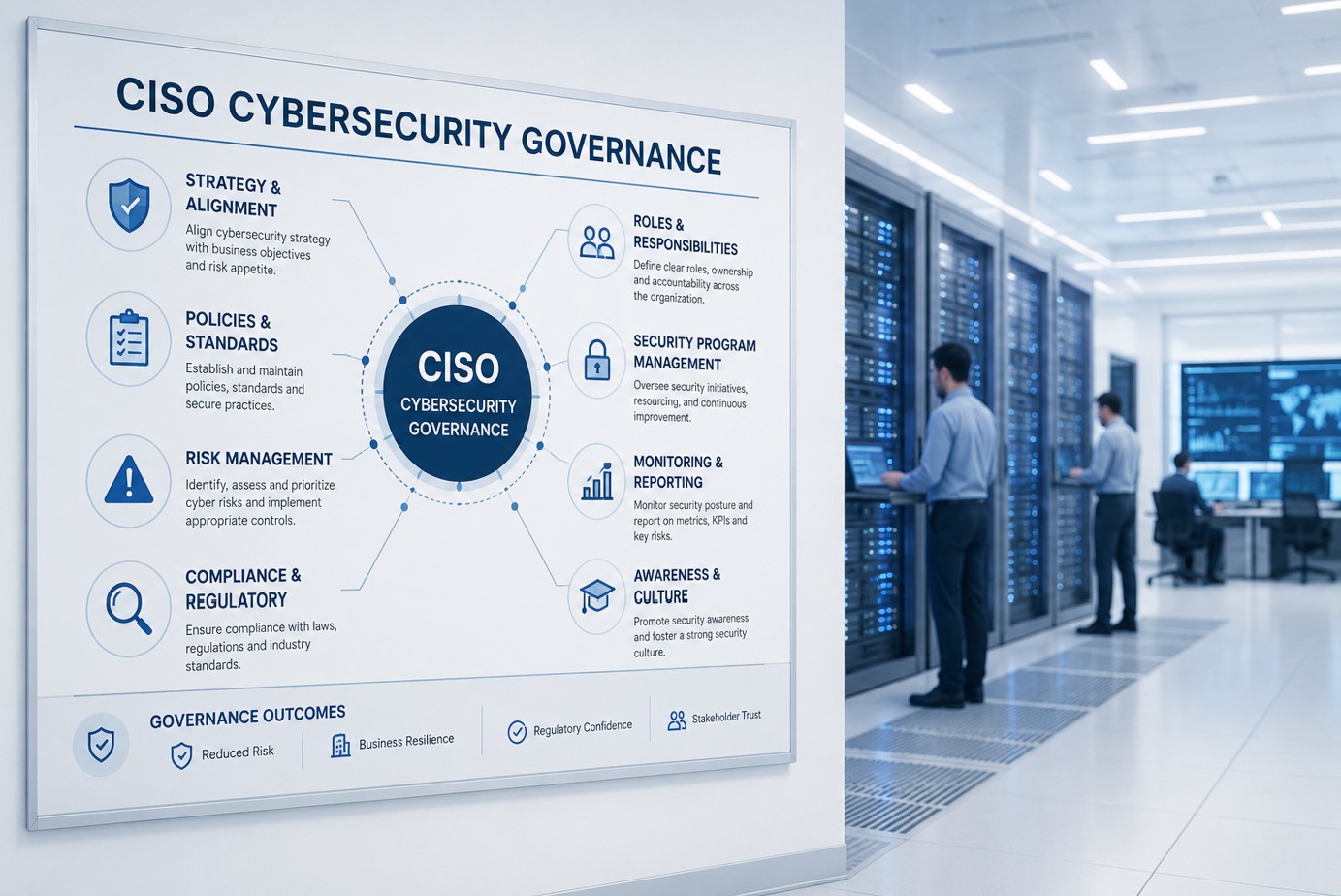

Ali Hassani is a CISO and cybersecurity consultant with 25+ years of experience across IT operations, cybersecurity, compliance auditing, Microsoft infrastructure, Microsoft 365 security, network security, firewall security, vulnerability management, cloud security, and infrastructure leadership. His practical background helps organizations connect executive risk, technical controls, and compliance readiness.
No. A vulnerability scan can support risk management, but risk management also includes business impact, ownership, compliance exposure, remediation planning, validation, executive reporting, accepted risk, and ongoing review.
Typical stakeholders include executives, business owners, IT managers, system owners, legal, HR, compliance leaders, finance, vendors, and project managers. Technical evidence needs business context to become useful risk information.
Yes. A structured risk register, remediation plan, evidence list, and executive report can support HIPAA, PCI DSS, SOC 2, NIST CSF, ISO 27001, CMMC, IRS WISP, cyber insurance reviews, and customer security questionnaires.
No. The worksheet is for initial guidance and planning only. It does not replace a professional cybersecurity audit, compliance assessment, penetration test, legal review, or formal risk assessment.
OC Security Audit helps organizations in Irvine, Orange County, Los Angeles County, and Southern California convert security concerns into prioritized risk decisions, remediation plans, and executive-ready reporting.
This website uses essential cookies for security and operation. Optional analytics and advertising cookies help measure site use and outreach. Choose Allow or Deny. You can change your choice at any time.