
Orange County Free security assessment
Remote Workforce Security Check
Use this remote workforce security check to identify gaps across remote-access exposure, MFA and device trust, and privileged and vendor access. Treat the result as initial guidance and validate material findings through a professional review.
CISO-led guidance from Ali Hassani, backed by 25+ years of IT, cybersecurity, compliance, and infrastructure experience.

OC Security Audit remote workforce security readiness
OC Security Audit, led by Ali Hassani, CISO, helps organizations in Orange County, Los Angeles County, and Southern California assess and improve cybersecurity across users, networks, endpoints, cloud platforms, and remote access paths. Ali brings 25+ years of experience supporting and securing dozens of business networks through security audits, implementation support, and practical risk reduction.
Relevant professional background includes CISSP, CCISO, MCSE, MCSA Security, MCITP, CCNA, and CCNP. This free tool is intended for IT administrators, IT managers, business owners, executives, compliance teams, and security-minded operations teams that want a safer remote-work environment.
Remote teams, hybrid offices, IT teams, MSP-supported businesses, owners, and executives.
VPN, MFA, endpoints, BYOD, SaaS sharing, home Wi-Fi, monitoring, backup, and compliance readiness.
A basic on-page report with section risk analytics, high-priority findings, and consultation recommendations.
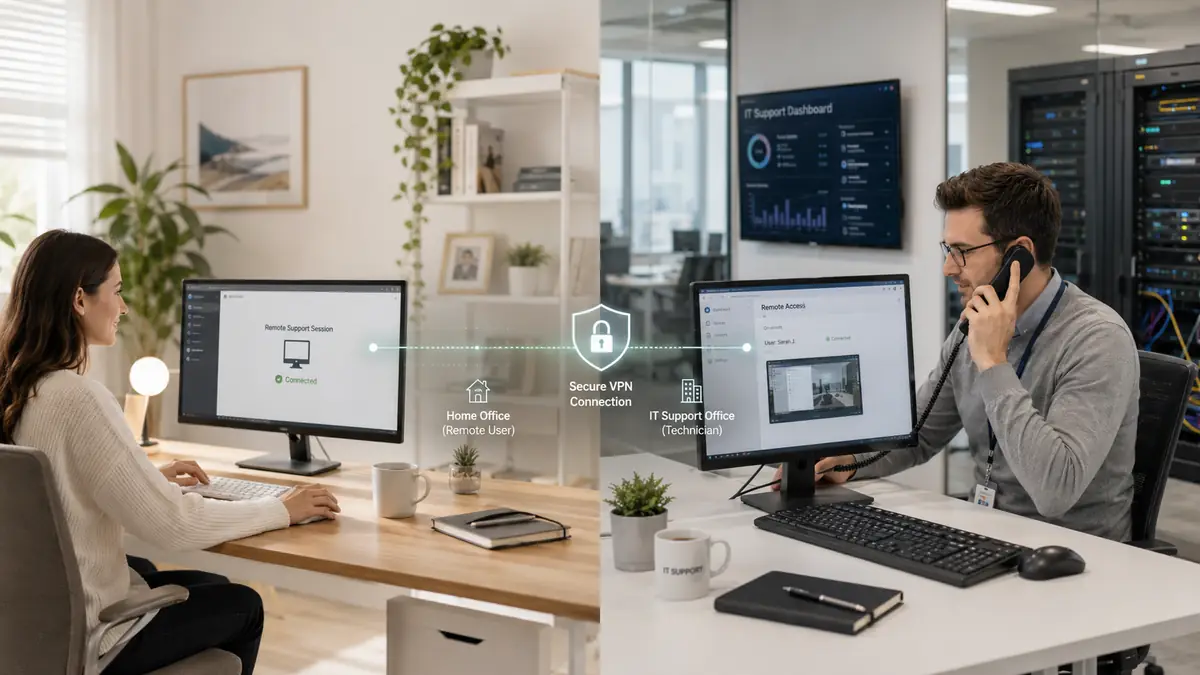
Secure Access Across Remote Locations
Assess how employees connect to cloud services and business applications from offices, homes, and mobile locations. Strong remote access combines identity verification, approved devices, secure connections, and least-privilege access.
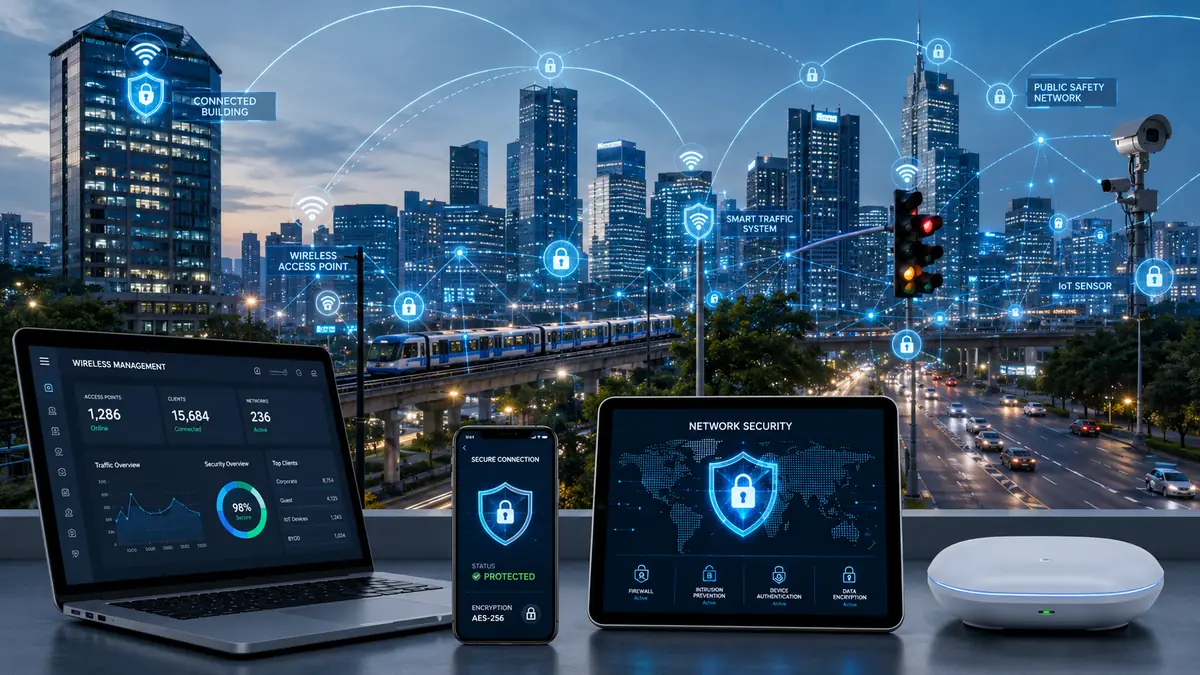
Monitor Remote Devices and Respond to Risk
A secure remote-work program requires endpoint visibility, alert review, incident-response procedures, and ongoing oversight of devices, cloud applications, and remote connectivity.
Start the Remote Workforce Security Check
Answer each question with Yes, Partially, No, Not sure, or N/A. Use “What this means” for guidance and impact.
Optional environment context
This section can be skipped. It uses only dropdowns and does not collect identifying information.
Please review and confirm
Your selections are processed only in this browser and are automatically cleared after five minutes of inactivity. Do not enter passwords, regulated records, or confidential evidence.
Remote work security areas covered by the check
Remote work moves company data onto home networks, personal routers and laptops that leave the office. The check looks at the areas where that creates the most risk.
Company devices
Whether remote laptops are managed, encrypted, patched and running endpoint protection wherever they are.
Sign-in and MFA
Whether every remote sign-in to email, files and business applications requires multi-factor authentication.
Remote access
How users reach internal systems, whether through VPN, remote desktop or cloud applications, and how that access is limited.
Home and public networks
Guidance and settings that reduce the risk of shared home Wi-Fi, travel networks and hotel connections.
Data handling
Where files are saved, whether personal storage or printing is allowed, and how sensitive data is shared.
Lost or stolen devices
Whether a missing laptop or phone can be located, locked and wiped, and who users should call.
Where remote work risk comes from
The same employee can face very different risks depending on where and how they connect.
| Situation | Main risk | Control that helps most |
|---|---|---|
| Home office on a company laptop | Shared home network with personal and smart devices. | Managed, encrypted laptop with endpoint protection and a host firewall. |
| Personal device used for work | No company control over updates, malware or other users. | Access limited to managed apps or a browser session, with data kept off the device. |
| Public or hotel Wi-Fi | Untrusted network and look-alike hotspots. | Encrypted connections only, VPN where required, and no sensitive work on shared computers. |
| Traveling with devices | Loss, theft and shoulder-surfing. | Full-disk encryption, screen lock, remote wipe and a clear reporting path. |
Choose your next step
Endpoint security and EDR readiness
Check whether remote laptops are protected, monitored and recoverable.
Identity and access management assessment
Review MFA, account lifecycle and privileged access for remote users.
Microsoft Intune security audit
A read-only review of how remote devices are enrolled, configured and kept compliant.
Want an independent opinion? Schedule a consultation or call 949-777-5567. Based in Irvine, serving Orange County and Southern California on-site and clients nationwide remotely.
Remote workforce security check: common questions
Who is the remote workforce security check for?
Business owners, office managers and IT staff responsible for employees who work from home, travel or use their own devices.
Is a VPN enough to secure remote workers?
No. A VPN protects the connection, but remote security also depends on managed devices, MFA, patching and how data is stored and shared.
Should employees use personal devices for work?
Only with controls that keep company data separate, such as app protection policies or browser-only access, and a clear policy users have agreed to.
What should we fix first?
MFA on every remote sign-in and encryption on every company laptop are usually the highest-value first steps.