Leadership Visibility
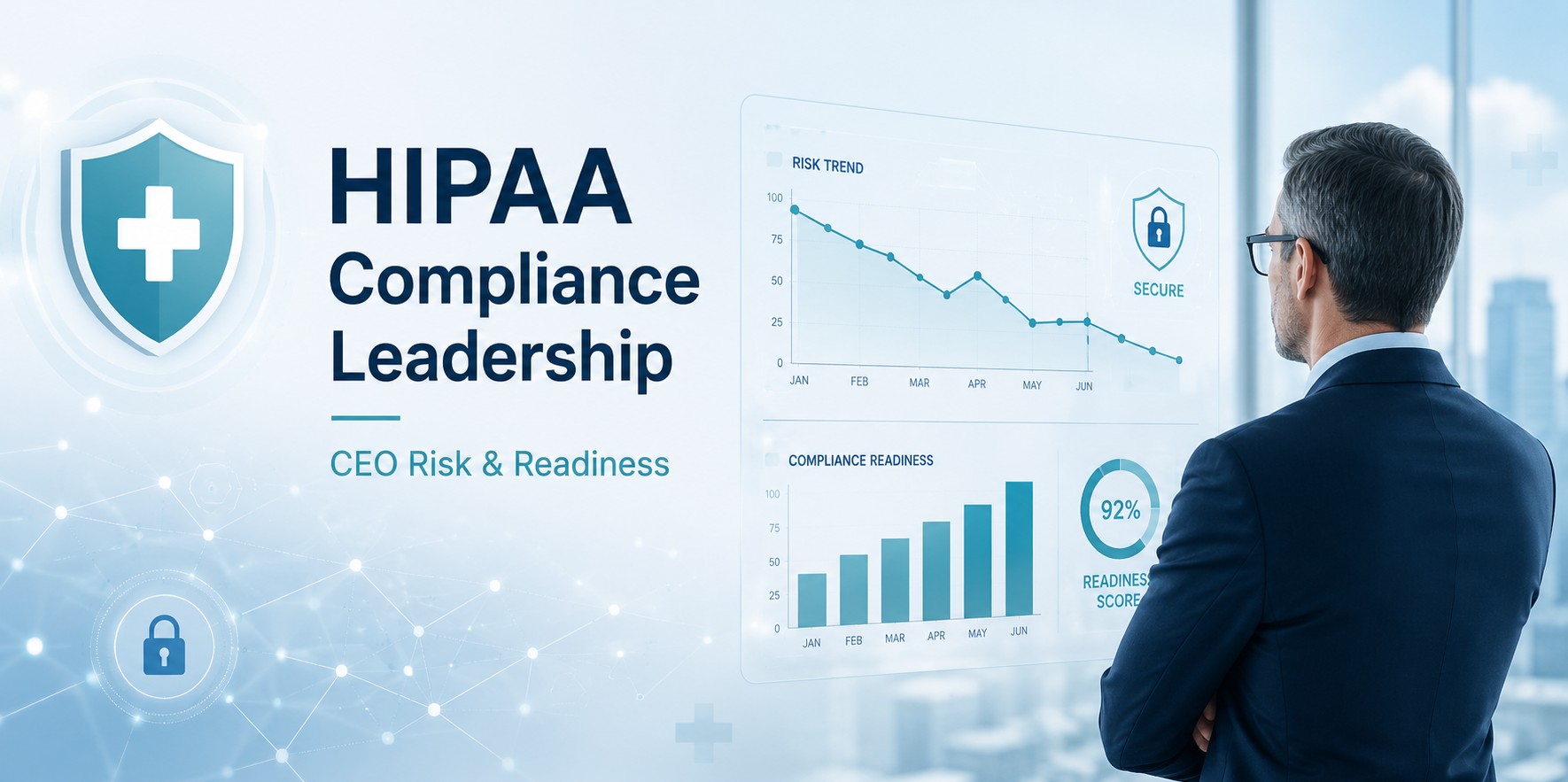
Owners and executives gain a clear view of the organization’s exposure, priorities, budget needs, and compliance responsibilities.
A practical, leadership-friendly guide to identifying HIPAA risks, protecting ePHI, improving cybersecurity, and building a clear remediation roadmap for your organization.
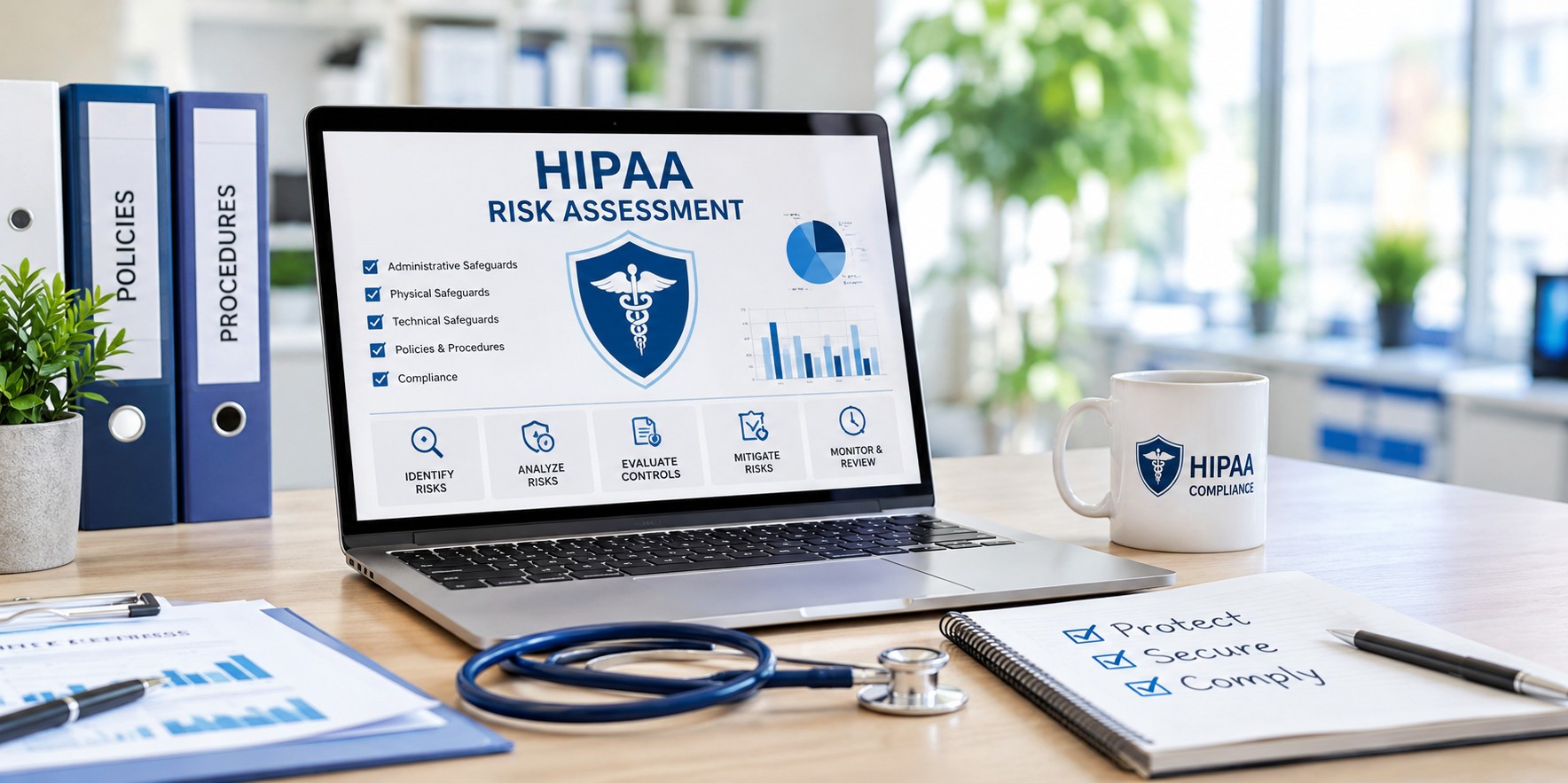
A HIPAA risk assessment is a structured review of how your organization creates, receives, stores, transmits, and protects electronic protected health information, or ePHI.
Under the HIPAA Security Rule, regulated organizations are expected to conduct an accurate and thorough assessment of potential risks and vulnerabilities to the confidentiality, integrity, and availability of ePHI.
For CEOs, owners, and IT managers, the goal is simple: know your risks before they become breaches, downtime, regulatory problems, or reputation damage.
HIPAA risk assessment is not only an IT task. It is a business protection process that supports compliance, cybersecurity, operational continuity, and patient trust.
Owners and executives gain a clear view of the organization’s exposure, priorities, budget needs, and compliance responsibilities.
IT managers can turn findings into practical improvements for access control, encryption, backups, remote access, patching, and monitoring.
A documented assessment helps reduce the chance of unauthorized access, ransomware, data loss, and accidental disclosure of sensitive information.
Organizations that create, receive, maintain, or transmit protected health information should evaluate their HIPAA security risks regularly.
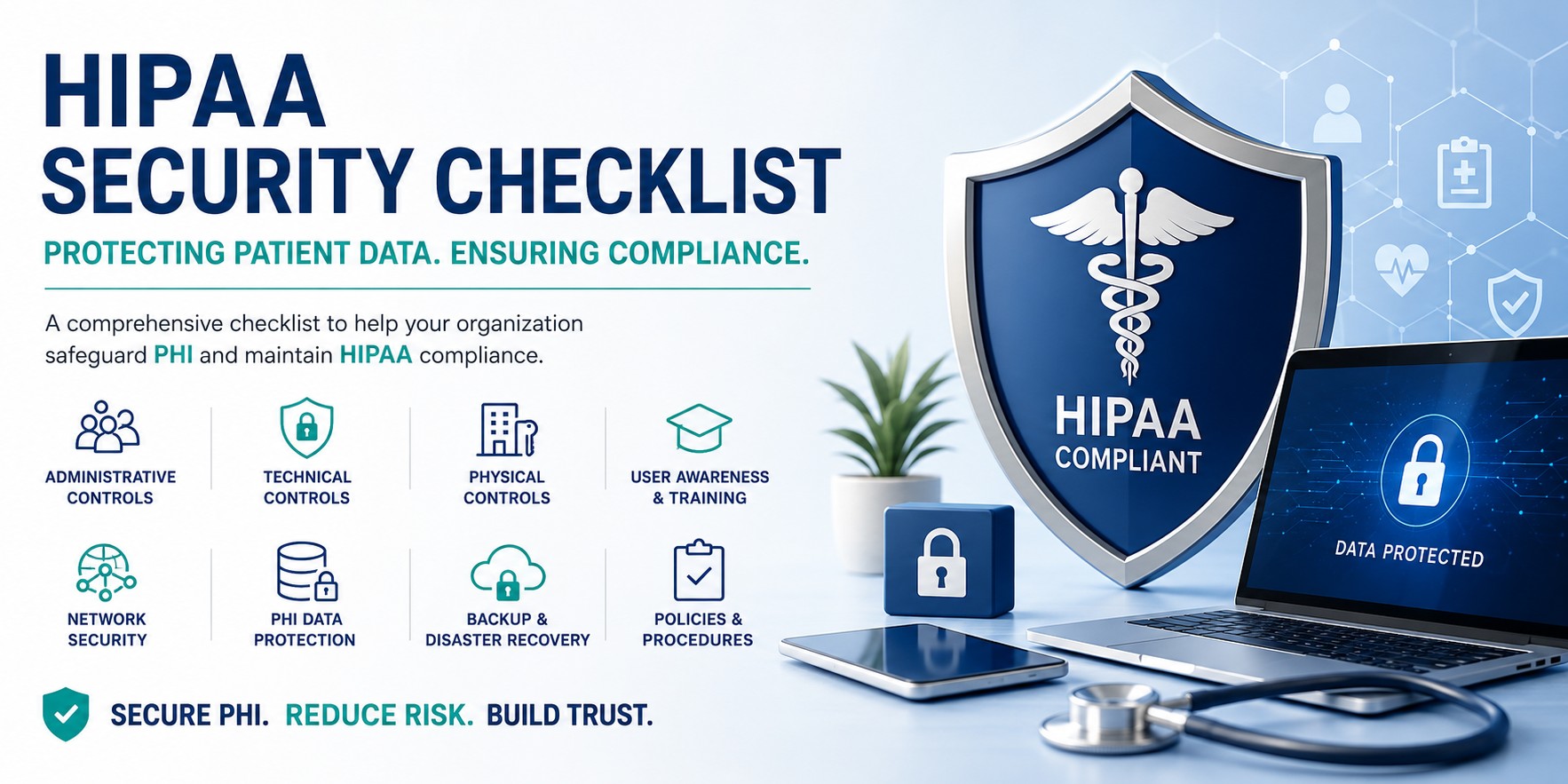
The chart below shows common areas leadership and IT teams should evaluate during a practical assessment.
A useful HIPAA risk assessment should be practical, detailed, understandable, and actionable.
Review EHR systems, billing platforms, email, file servers, cloud storage, backups, laptops, mobile devices, patient portals, and vendor systems.
Confirm that users only have the access needed for their job. Check former employees, shared accounts, administrator access, vendor accounts, and remote access.
Review security policies, workforce training, sanction policies, incident response, risk management, contingency planning, and business associate agreements.
Review office access, workstation placement, server room security, device storage, visitor procedures, paper records, and secure disposal of old hardware.
Review unique user IDs, MFA, encryption, firewalls, endpoint protection, audit logs, patching, backups, network segmentation, and secure remote access.
Assign likelihood and impact scores, document existing controls, identify residual risk, and create a realistic action plan with owners and due dates.
Use this structured risk register to document, assign, track, and review HIPAA risks across your organization. On phones, swipe horizontally to view the full table.
| Risk ID | Date Identified | Area / Department / Process | Risk Category | Risk Description | Cause / Trigger | Potential Impact | Existing Controls | Likelihood | Impact | Inherent Score | Control Effectiveness | Residual Score | Risk Level | Risk Owner | Mitigation Action Plan | Action Owner | Due Date | Status | Review Date | Comments / Notes |
|---|---|---|---|---|---|---|---|---|---|---|---|---|---|---|---|---|---|---|---|---|
| R-001 | ____ | User Access Management | Cybersecurity / Compliance | Former employee accounts may still access systems containing ePHI. | Termination process is not connected to IT account removal. | Unauthorized access, HIPAA violation, reputation damage. | Manual account review, password policy. | 4 | 5 | 20 | Weak | 16 | High | IT Manager | Create formal offboarding checklist and disable accounts immediately after termination. | IT / HR | ____ | Open | ____ | Review all active users quarterly. |
| R-002 | ____ | Email Security | Cybersecurity | Employees may send or receive ePHI through unsecured email. | Lack of secure email system or unclear email policy. | ePHI exposure, breach notification, regulatory investigation. | Basic spam filtering. | 4 | 5 | 20 | Weak | 15 | High | Compliance Officer | Implement secure email encryption and train employees on approved communication methods. | IT Manager | ____ | Open | ____ | Confirm whether current email provider supports encryption. |
| R-003 | ____ | Workstations / Laptops | Cybersecurity / Operational | Lost or stolen laptops may expose ePHI. | Devices may not be encrypted or centrally managed. | Data breach, patient notification, legal and compliance risk. | Password login required. | 3 | 5 | 15 | Moderate | 10 | Medium | IT Manager | Enable full-disk encryption, endpoint management, and remote wipe capability. | IT Team | ____ | In Progress | ____ | Prioritize laptops used outside the office. |
| R-004 | ____ | Backup and Disaster Recovery | Operational / Cybersecurity | Backups may not be available or recoverable after ransomware or system failure. | Backups are not tested regularly. | Extended downtime, data loss, patient care disruption, financial loss. | Daily backup configured. | 3 | 5 | 15 | Moderate | 12 | High | Operations Manager | Test backups regularly and document recovery results. Add offline or immutable backup protection. | IT Manager | ____ | Open | ____ | Include EHR, file server, and billing system backups. |
| R-005 | ____ | Employee Training | Compliance / Cybersecurity | Employees may mishandle ePHI or fall for phishing attacks. | HIPAA and cybersecurity training is not completed regularly. | Breach, unauthorized disclosure, ransomware infection, compliance failure. | New-hire training only. | 4 | 4 | 16 | Weak | 12 | High | Compliance Officer | Provide annual HIPAA and security awareness training with phishing examples. | HR / Compliance | ____ | Open | ____ | Track completion records. |
| R-006 | ____ | Remote Access | Cybersecurity | Remote access may allow unauthorized users into internal systems. | VPN or remote desktop access does not require MFA. | System compromise, ransomware, unauthorized ePHI access. | Username and password required. | 4 | 5 | 20 | Weak | 16 | High | IT Manager | Require MFA for all remote access and review remote access permissions. | IT Team | ____ | Open | ____ | Disable unused remote accounts. |
| R-007 | ____ | Vendor Management | Compliance / Legal | Vendors may access ePHI without proper agreements or security review. | Business associate agreements may be missing or outdated. | HIPAA compliance violation, third-party breach exposure, legal risk. | Vendor list maintained informally. | 3 | 5 | 15 | Weak | 12 | High | Business Owner / Compliance Officer | Review vendors, confirm business associate agreements, and document vendor responsibilities. | Compliance Officer | ____ | Open | ____ | Include IT, billing, cloud, software, and consulting vendors. |
| R-008 | ____ | Patch Management | Cybersecurity / Operational | Systems may be vulnerable because security updates are missing. | No formal patch management schedule. | Malware infection, ransomware, system compromise, downtime. | Updates installed manually. | 4 | 4 | 16 | Moderate | 10 | Medium | IT Manager | Create monthly patch review process and prioritize critical updates. | IT Team | ____ | In Progress | ____ | Include servers, workstations, firewall, and network devices. |
| R-009 | ____ | Physical Security | Physical / Compliance | Unauthorized visitors may access areas where ePHI is visible or stored. | Visitor access is not controlled or documented. | Unauthorized disclosure, theft, compliance issue. | Locked front entrance. | 3 | 4 | 12 | Moderate | 8 | Medium | Office Manager | Implement visitor sign-in process and restrict access to records and workstations. | Office Manager | ____ | Open | ____ | Review screen privacy and paper record storage. |
| R-010 | ____ | Incident Response | Operational / Compliance | Staff may not know what to do during a suspected breach or ransomware incident. | No documented incident response plan. | Delayed response, increased damage, missed reporting obligations. | Informal escalation to management. | 3 | 5 | 15 | Weak | 12 | High | Business Owner / IT Manager | Create incident response plan with roles, contacts, reporting steps, and tabletop exercises. | IT Manager / Compliance Officer | ____ | Open | ____ | Include cyber insurance and legal contact information. |

Use a 1–5 scoring model so business and IT stakeholders can discuss risk in a clear and consistent way.
Inherent Risk Score = Likelihood Score × Impact Score. Use this model as a practical guide for prioritization.
Many organizations perform a risk review but fail to turn it into a useful business and security roadmap.
A checklist is helpful, but the real value comes from evaluating how your organization actually handles ePHI.
ePHI may also exist in email, cloud storage, backups, mobile devices, reports, scanners, and vendor platforms.
Billing companies, IT providers, consultants, cloud services, and software vendors can create significant risk.
IT can identify risk, but leadership must support accountability, policy enforcement, budgeting, and priorities.
A risk assessment is only valuable when the organization tracks findings and completes corrective actions.
Systems, vendors, employees, threats, and business processes change. The assessment should be reviewed regularly.
Quick answers for business owners, healthcare leaders, compliance teams, and IT managers.
The HIPAA Security Rule includes a required risk analysis implementation specification. Organizations should evaluate risks and vulnerabilities to the confidentiality, integrity, and availability of ePHI.
A HIPAA risk assessment should be reviewed regularly and when significant changes occur, such as new systems, new vendors, new locations, major IT changes, security incidents, or workflow changes involving ePHI.
A checklist is a useful starting point, but a complete assessment should document systems, risks, controls, scoring, ownership, mitigation actions, and follow-up reviews.
Leadership, IT, compliance, HR, operations, office management, and key vendors may all be involved depending on how ePHI is handled.
Yes. A practical risk assessment helps small and mid-sized organizations focus on the most important risks first and build a realistic improvement plan.
OC Security Audit, under the management of Ali Hassani, helps businesses achieve HIPAA compliance goals while improving cybersecurity and reducing operational risk. We are local to Orange County, California, with our headquarters in Irvine, California.
Our team brings 25+ years of experience in network engineering, systems engineering, cybersecurity, compliance consulting, and business technology protection. With CISSP and CISO-level expertise, OC Security Audit helps healthcare organizations, business associates, and local businesses identify risks, secure systems, improve documentation, and build a practical roadmap toward HIPAA compliance.
Whether you are a business owner, CEO, office manager, healthcare executive, or IT manager, we can help you understand your current risks and take clear steps to protect your organization.
The following official resources are helpful for understanding HIPAA Security Rule risk analysis and implementation guidance.
OC Security Audit
Get professional cybersecurity guidance from local Orange County experts. We help businesses with security audits, compliance, risk assessments, and practical protection strategies.