

Microsoft 365 Evidence Clock
Estimate when the Microsoft 365, Entra ID and Azure records of a suspected compromise expire under default retention, so you know how urgent the export is.

Upgrading later does not bring logs back
Microsoft documents that retention changes are not retroactive. Records that already expired stay gone.

Then get the records reviewed
The clock tells you how much time is left. A compromise investigation tells you what the records show.
How long do your Microsoft 365 records last?
Enter when the suspicious activity started and your licenses. The table estimates when each record type from that day expires under default retention.
| Record type | Records from the start date expire | Status today |
|---|
Estimate based on Microsoft’s documented default retention. Logs exported to a SIEM or storage may last longer; changed settings may shorten them. Not a guarantee that any record exists.
What to do with the dates
- Likely expired: records from the start of the activity are probably gone. Export everything that remains today so the gap does not grow.
- Days left: plan the export now. Sign-in logs usually expire first.
- Check settings: logs sent to Log Analytics, a SIEM or storage follow those retention settings instead.
Ask your administrator to export Entra ID sign-in and audit logs, the Microsoft 365 audit log for the affected users, current inbox rules and forwarding, and the Azure Activity log. Then have them reviewed by someone who can turn them into a timeline.

Default retention used by the calculator
| Record | Entra ID Free | Entra ID P1 | Entra ID P2 |
|---|---|---|---|
| Sign-in logs | 7 days | 30 days | 30 days |
| Audit logs | 7 days | 30 days | 30 days |
| Risky sign-ins | 7 days | 30 days | 90 days |
| Record | Default retention |
|---|---|
| Microsoft 365 audit log, Audit (Standard) | 180 days for records generated on or after October 17, 2023 |
| Microsoft 365 audit log, E5 / Audit (Premium) users | 1 year for Exchange, SharePoint, OneDrive and Entra ID records; 180 days for other services unless a custom policy applies |
| Azure Activity log | 90 days unless sent to Log Analytics, Event Hubs or storage |
Sources: Microsoft Entra data retention, Manage audit log retention policies, Activity log in Azure Monitor (Microsoft Learn, checked November 15, 2026).
Which records to export first
When time is short, export in the order the records expire. Your administrator can usually do this from the admin centers or with PowerShell.
Entra ID sign-in and audit logs
The shortest default retention, 7 days on Entra ID Free. Export the full period for the affected users.
Current mailbox configuration
Inbox rules, forwarding settings, delegates and mailbox permissions. These show the current state only, so capture them before anyone changes them.
Azure Activity log
90 days by default. Export it if Azure subscriptions are in scope and it is not already sent to Log Analytics.
Microsoft 365 audit log
180 days or longer, but searches take time to run. Start them early for the affected users and the review period.
Evidence clock questions
Where do these retention periods come from?
From Microsoft documentation on Entra data retention, Purview audit log retention and the Azure Monitor activity log, checked November 15, 2026. Microsoft can change them.
Is the result exact?
No. It is an estimate based on default retention. Your tenant may keep records longer if logs are exported to a SIEM, Log Analytics or storage, or shorter if settings were changed. Use it to decide how urgent the export is, not as proof that a record exists.
Does upgrading our license now bring back older logs?
No. Microsoft documents that retention changes are not retroactive. Upgrading Entra ID from Free to P1 or P2 does not restore sign-in logs that have already expired.
Does this tool collect our data?
No. The calculation runs in your browser. Nothing you enter is sent or stored.
What should we do if records are about to expire?
Ask your administrator to export the sign-in logs, audit logs, inbox rules and forwarding settings now, and contact us to scope a compromise investigation.
- This tool gives a general estimate for planning only. It is not legal advice and does not confirm whether any record exists in your environment.
- Retention periods are Microsoft defaults as documented on the date shown and can change. Your licenses, settings and exports decide what is actually available.
- OC Security Audit provides technical cybersecurity assessment and reporting. We are not a law firm and not a private investigation agency.

Records running out?
Export what you can today, then call 949-777-5567 or schedule a consultation to scope a Microsoft 365 compromise investigation.
Compromise investigations start at $3,500 · Headquarters in Irvine, California · Remote nationwide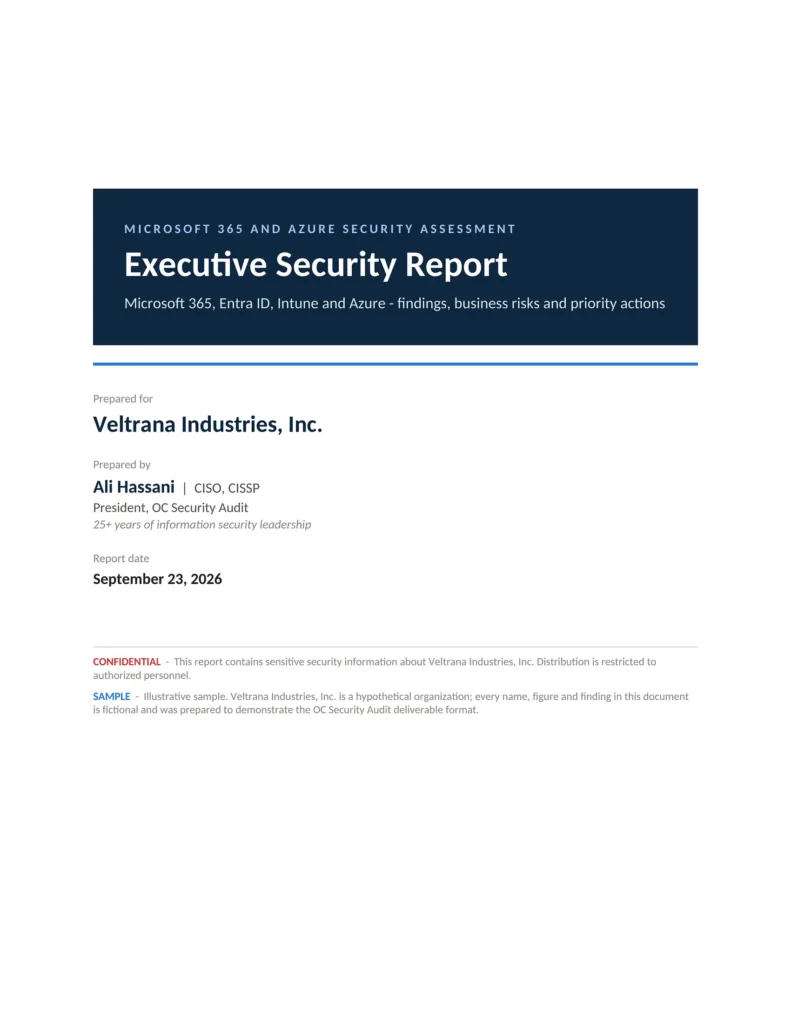
Sample reports
This tool is a quick check. A full audit goes further.
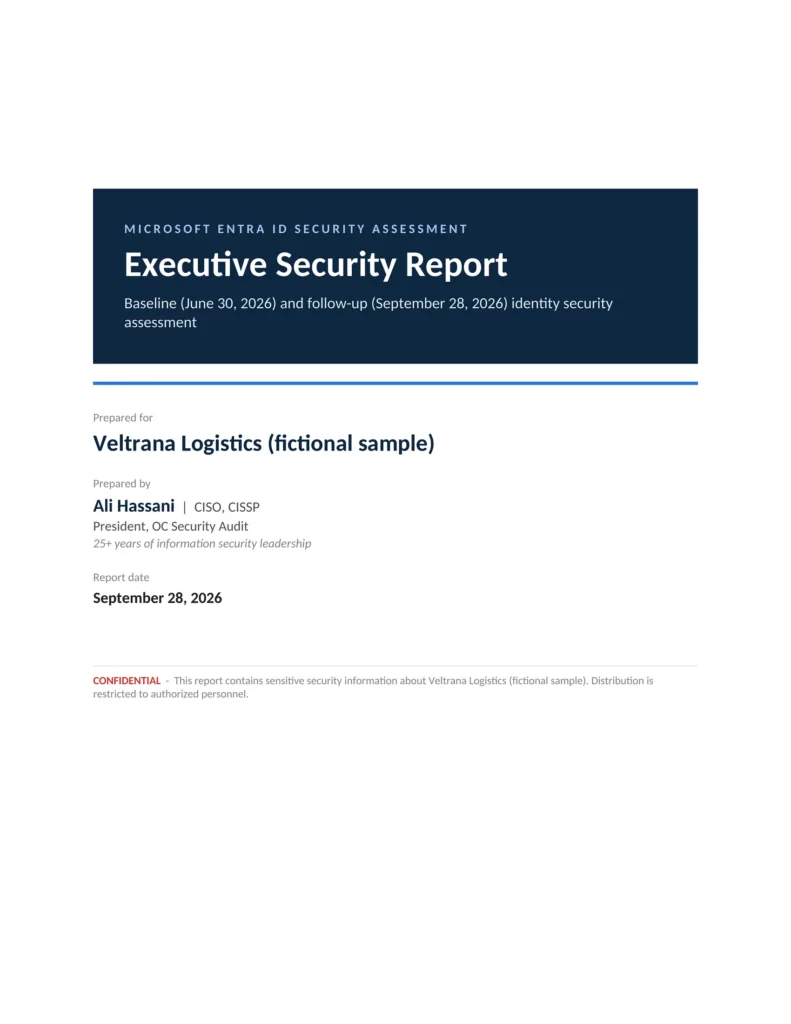
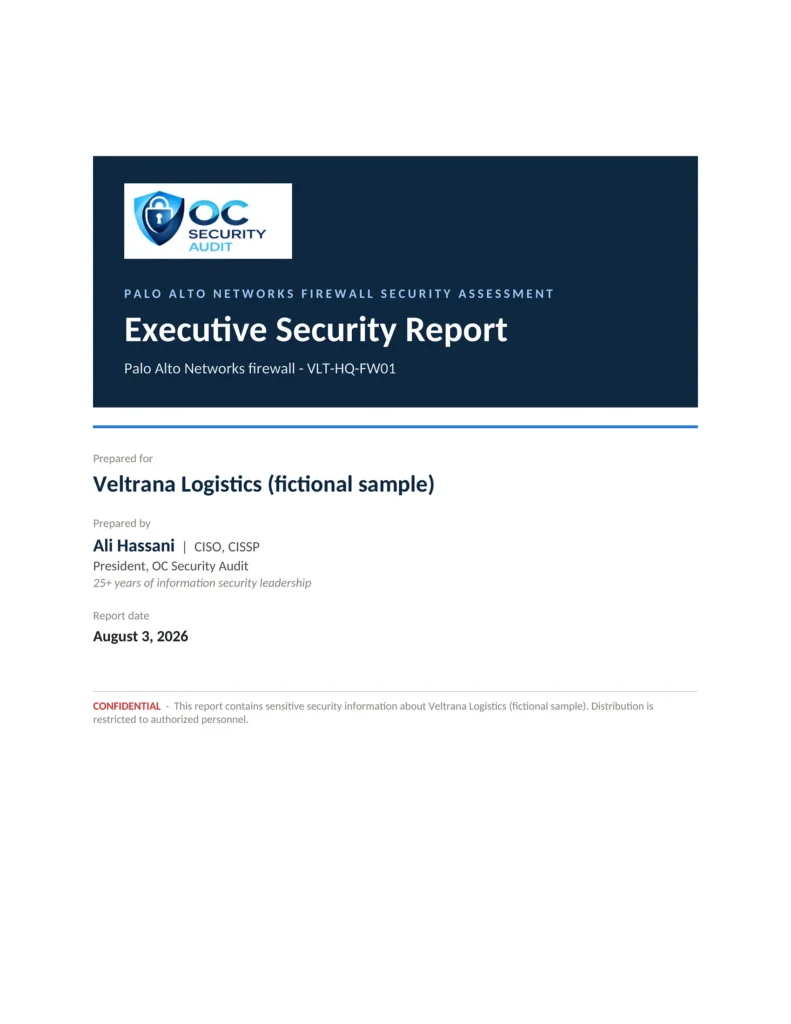
See what a full security audit delivers: real pages from our executive and technical reports, risk registers, roadmaps and workbooks, for fictional companies.