
Executive and vCISO Insights
Secure Business Travel With an iPhone: Before, During, and After
Use a business iPhone travel playbook for data minimization, updates, connectivity, physical control, incident response, and post-travel review.
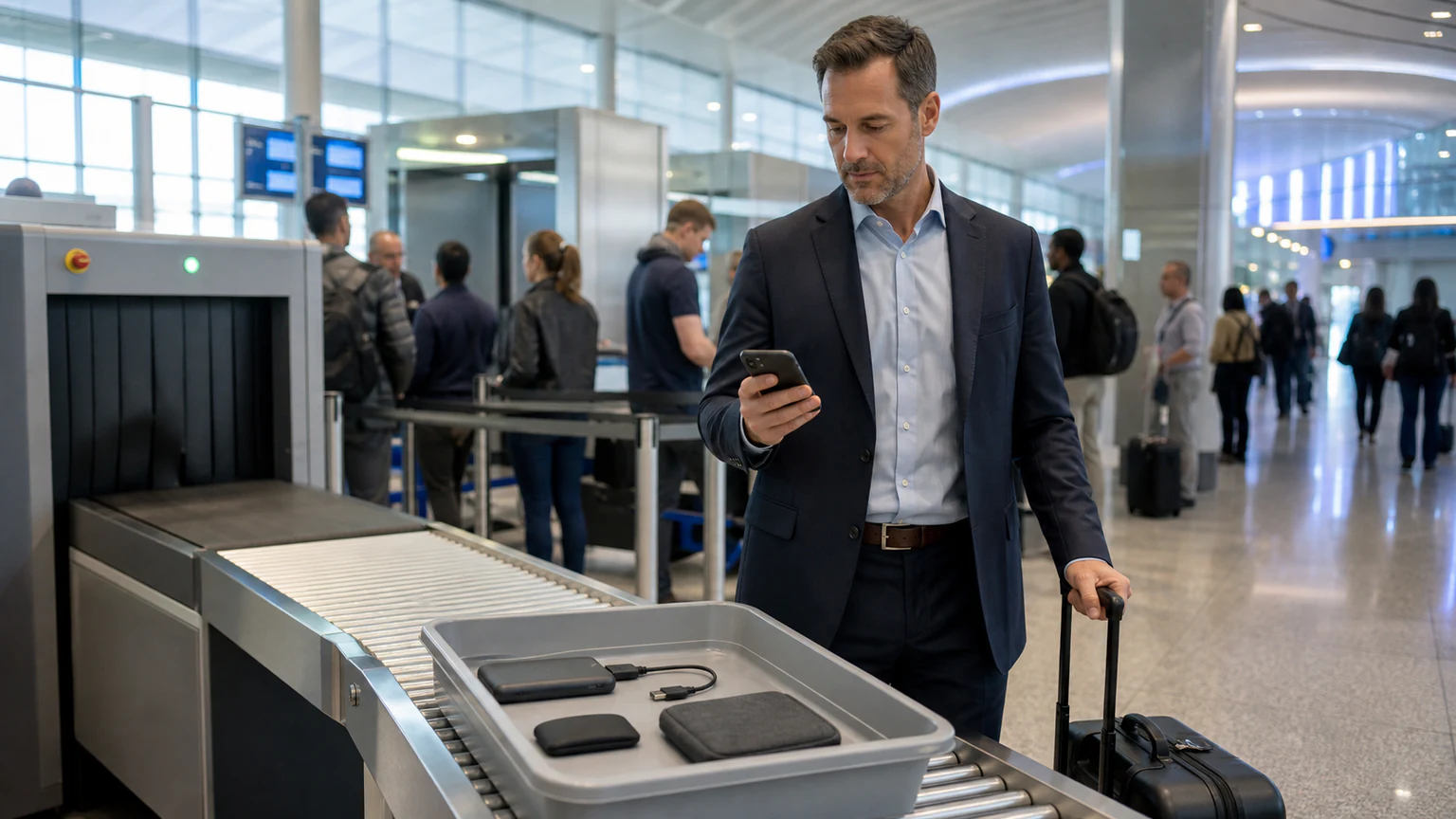
An iPhone used for business travel can carry identity tokens, executive communications, customer information, payment authority, location history, business contacts, and access to cloud systems. Travel changes the risk: the device moves through crowded locations, unfamiliar networks, shared charging environments, border processes, rushed support requests, and jurisdictions with different laws and expectations.
A secure business travel iPhone program should be proportional. A routine domestic trip, an executive transaction, a conference, and travel to a higher-risk location do not require identical controls. Classify the destination, traveler, data, role, connectivity, and consequence before choosing the device and access model.
Travel risk tiers
| Tier | Example | Device approach |
|---|---|---|
| Standard | Routine domestic travel with ordinary business access | Managed daily device with verified baseline and reporting plan |
| Elevated | Executive, legal, finance, sensitive customer, or conference travel | Minimized access, direct support, stronger account controls, documented return review |
| High | Sensitive international destination, public-interest role, credible targeting, or exceptional data | Dedicated travel device, minimal data, restricted accounts, specialist briefing, controlled post-travel handling |
Risk tiers should be documented and periodically reviewed. They are not labels for countries or people; use current government, legal, and organizational advice.
Before travel: minimize what can be lost
1. Choose the right device and access
For higher-risk travel, consider a dedicated, freshly provisioned iPhone with only the applications, contacts, accounts, and data required for the trip. NSA guidance for travel outside the United States recommends dedicated devices with limited information for relevant high-risk contexts. The control should be risk-based, not automatically applied to every traveler.
Avoid placing privileged administration, broad customer exports, merger material, legal strategy, sensitive health information, or recovery secrets on a travel device unless the business need and safeguards are explicit. Use server-side access and managed applications instead of local copies where practical.
2. Update and validate the phone
Install current supported iOS and application releases early enough to verify business workflows. Confirm the device is enrolled as intended, passcode policy is active, Stolen Device Protection is configured, Find My or Managed Lost Mode capability is understood, backups follow policy, and required VPN or certificates work.
The business iPhone update-management guide covers accelerated deadlines and proof. The iPhone Security Review Checklist helps the traveler inspect visible account, privacy, and management settings.
3. Prepare identity and recovery
Review trusted devices, recovery contacts, phone-number dependencies, administrative roles, and high-value sessions. Do not carry the only security key, recovery key, and trusted device together. For high-risk users, use the Apple Account security-key guide to plan primary and backup custody.
Give the traveler a reporting method that works without the phone and a verified contact for urgent identity, carrier, or device help. Preauthorize who may lock, revoke, restrict, or wipe.
4. Brief for destination and legal conditions
Consult current government travel advisories, organizational counsel, privacy, export-control, sanctions, records, and HR resources as appropriate. Border inspection, device surrender, local SIM registration, encryption rules, compelled access, and privacy expectations vary. This page is not legal advice.
Do not tell a traveler to obstruct a lawful official. Give them a preapproved contact and escalation process for any request to unlock, surrender, inspect, or install something on the device.
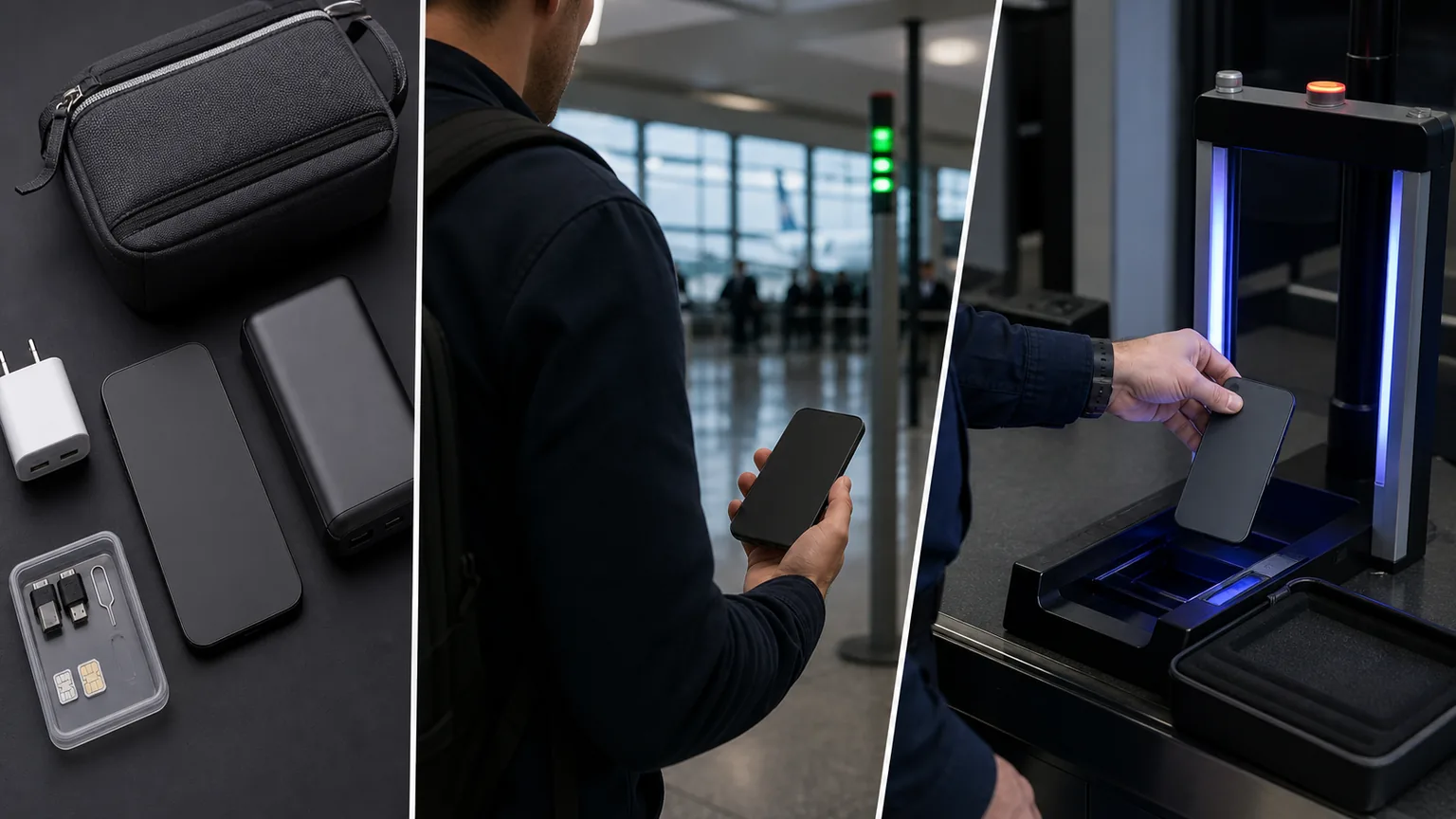
During travel: keep control and reduce exposure
Maintain physical possession
Keep the iPhone with the traveler or in an approved secured arrangement. Avoid checked baggage. Be alert to shoulder surfing, passcode observation, staged distractions, conference-device swaps, and unattended charging. If a device leaves the traveler’s control, record the time, location, circumstances, and any visible change.
Do not attempt dangerous recovery after theft. Use the lost or stolen business iPhone playbook from a safe location and alternate device.
Use connectivity deliberately
Prefer managed cellular service or a trusted personal hotspot for sensitive work where available. Public Wi-Fi is not uniformly malicious, but an unfamiliar network increases uncertainty. Verify the network name and sign-in process, use encrypted applications, avoid unnecessary sensitive transactions, and follow organizational VPN policy.
Turn off Wi-Fi, Bluetooth, AirDrop, hotspot, or location services when not needed and when doing so does not interfere with safety or required work. Do not install a certificate, VPN profile, “security app,” or update offered through a captive portal or unsolicited message.
Charge without an unknown data path
Use a known power adapter, trusted cable, or controlled battery pack. CISA advises caution with public computers and charging stations because a data-capable connection can permit unexpected interaction. Modern platform protections reduce some scenarios, but controlled power remains a simple operational safeguard.
Limit sensitive conversations and notifications
Review lock-screen notification previews, Bluetooth audio connections, car systems, hotel-room voice assistants, screen mirroring, and shared meeting displays. Use privacy screens or a private workspace when handling sensitive information. Do not discuss a high-risk incident over the potentially affected device.
Treat unusual events as reportable signals
Report theft, unexplained account prompts, unknown management profiles, repeated verification requests, unexpected Apple threat notifications, device overheating combined with other signs, unexplained restarts, or loss of control. Individual symptoms are not proof of spyware.
Use the Apple threat-notification response guide for authentic notices and the suspected iPhone spyware response guide when specialist evidence preservation may be needed.
After travel: close the risk window
1. Report events before routine reset
Tell security about any loss of possession, border inspection, unusual prompt, installed item, unexpected account activity, or high-risk meeting. If targeted compromise is plausible, do not automatically erase or update before an authorized preservation decision. Personal safety and active exposure still take priority.
2. Review device and account evidence
Check MDM status, operating-system build, installed profiles and certificates, managed applications, device list, important account sessions, carrier changes, and relevant security logs. Compare the device against its pre-travel baseline. A clean visual inspection does not prove absence of sophisticated compromise.
3. Rotate or revoke according to risk
For routine travel with no anomaly, normal controls may be enough. For higher-risk travel or a reported event, revoke selected sessions, replace certificates or tokens, reset the travel device, or retire it according to the approved plan. Avoid broad credential changes from the potentially affected phone.
4. Remove travel-only access and data
Remove temporary applications, accounts, documents, local downloads, eSIMs, VPNs, and elevated access. Reconcile the asset and carrier record, then document return, reset, reissue, or disposal.
Executive and high-risk controls
Evaluate Lockdown Mode before travel—not for the first time during a suspected attack. Use a separate administrative device, minimize executive-assistant access, protect calendar and itinerary data, verify payment and urgent-request procedures, and establish a secure replacement-communications channel. The Lockdown Mode decision guide explains its exceptional-risk purpose and functional limits.
Common travel-security mistakes
Common failures include taking more data than needed, updating at the departure gate without testing, carrying every recovery asset together, trusting a profile offered by a network, using the missing phone as the only reporting channel, leaving the device in checked luggage, treating a factory reset as forensic proof, and applying extreme controls to every trip without a risk rationale.
A scoped security audit can test travel-device enrollment, data minimization, identity, connectivity, incident, and return processes. When travel touches privacy, records, contractual, or regulated-data obligations, use cybersecurity compliance consulting and qualified legal review.
Sources
Prepare the traveler, device, and response team
OC Security Audit can review executive travel risk, mobile configuration, account protection, data minimization, incident readiness, and return evidence. Contact OC Security Audit and review the background of Ali Hassani, CISO—25+ years across cybersecurity, compliance, infrastructure, and IT operations.
Update and correction history
- August 2026: Initial guide prepared from Apple, NIST, CISA, NSA, and U.S. Department of State guidance available through August 1, 2026.