
Assessment & Audit
Cyber threat detection assessment, security audit, risk review, monitoring strategy, and remediation roadmap.
Find exposure, strengthen essential controls, and build practical resilience around the systems your organization depends on.
Explore cybersecurity services →Evaluate controls independently, document defensible findings, and focus remediation on the risks with the greatest operational impact.
Explore security audits →Translate security obligations into clear evidence, accountable remediation, and a practical path toward audit or customer readiness.
Explore compliance services →Bring security governance, risk decisions, leadership communication, and improvement planning into one accountable executive program.
Explore vCISO services →AI-Assisted Threat Detection
Bring endpoint, identity, email, firewall, VPN, cloud, and log evidence into a detection strategy your team can investigate, escalate, and act on with confidence.
CISO-led guidance from Ali Hassani, backed by 25+ years of IT, cybersecurity, compliance, and infrastructure experience.
Cyber threats are constantly evolving. Businesses face ransomware, phishing, stolen credentials, vendor risk, application vulnerabilities, firewall misconfigurations, VPN exposure, cloud security gaps, email compromise, DNS abuse, public-facing server threats, and data theft attempts.
Threat detection turns uncertainty into a practical security strategy by reviewing the users, endpoints, servers, firewalls, VPNs, cloud services, email systems, DNS, vendors, applications, and logs that attackers commonly abuse.
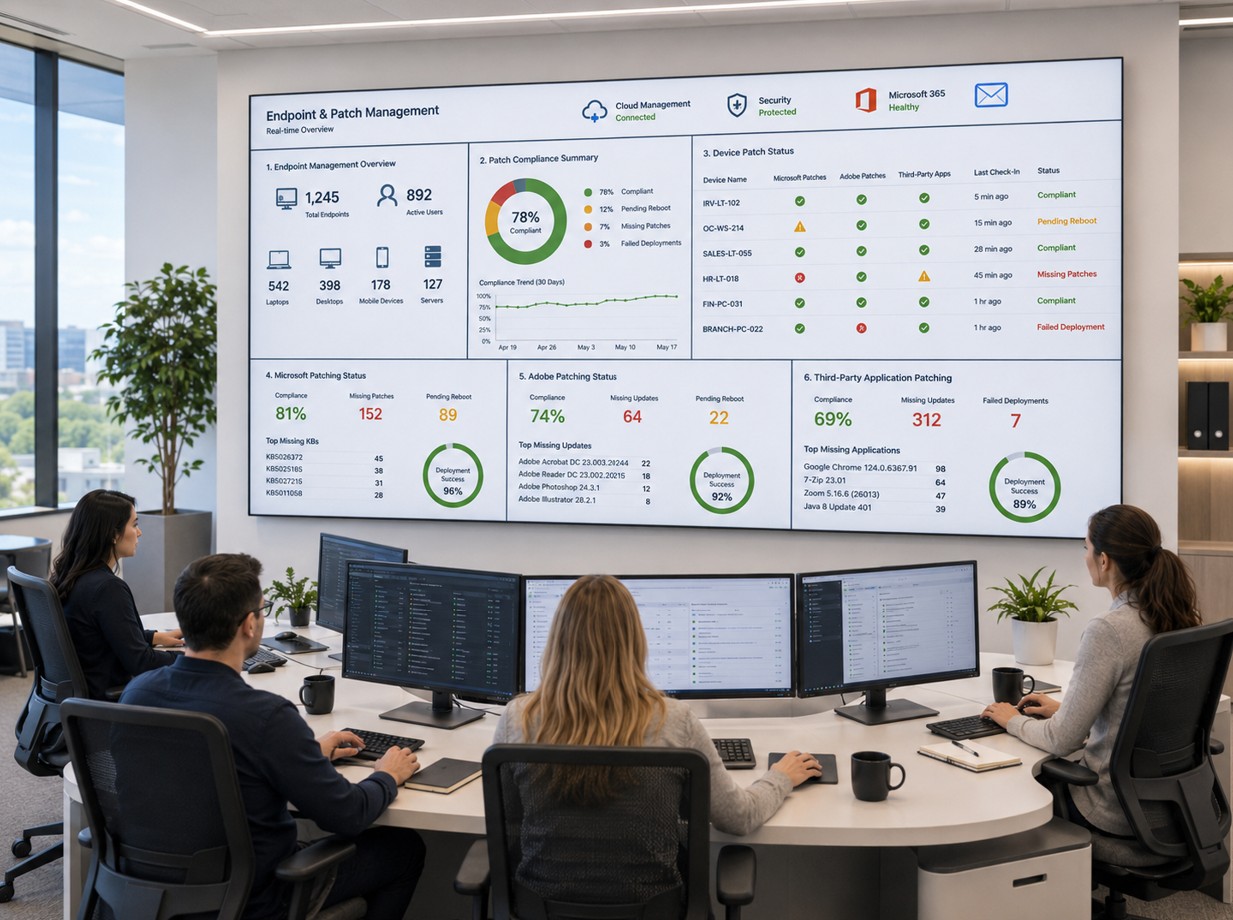
Services may include security audits, AI-powered security tool evaluation, platform guidance, firewall and VPN review, ransomware readiness, email and DNS review, cloud review, vendor review, remediation planning, optional implementation support, and follow-up validation.
Cyber threat detection assessment, security audit, risk review, monitoring strategy, and remediation roadmap.
AI-powered tool evaluation, EDR/XDR/MDR/SIEM guidance, dashboard review, and alert tuning recommendations.
Firewall, VPN, endpoint, cloud, application, public exposure, and system configuration review.
Ransomware readiness, data security review, email/DNS security, vendor access review, and executive risk reporting.
AI-powered threat detection can analyze more data, identify suspicious behavior, reduce alert noise, and connect related events across endpoints, firewalls, VPNs, cloud platforms, email, identity systems, applications, and servers. AI does not replace cybersecurity expertise; it works best with correct configuration, monitoring, response planning, and experienced review.
Endpoint Detection and Response focuses on laptops, desktops, servers, suspicious scripts, ransomware behavior, credential theft, and endpoint isolation planning.
Extended Detection and Response connects signals across endpoint, identity, email, cloud, SaaS, firewall, server, and application activity.
Managed Detection and Response combines security technology with human triage, threat hunting, escalation, and reporting.
Security Information and Event Management centralizes logs for visibility, investigation, compliance, retention, and alerting.
The assessment should include firewall, ransomware, data, email, DNS, identity, vendor, cloud, application, system, monitoring, and incident response planning.
Review firewall rules, Any/Any rules, open ports, NAT policies, VPN tunnels, IPS/IDS, DNS security, admin access, firmware, and public exposure.
Review EDR coverage, backup isolation, user privileges, administrator accounts, patching, segmentation, file shares, and response procedures.
Review SPF, DKIM, DMARC, phishing controls, mailbox activity, MFA, conditional access, administrator roles, guest users, and suspicious sign-ins.
Review Microsoft 365, Azure, AWS, Google Cloud, SaaS access, sensitive data locations, encryption, sharing, audit logs, DLP, and retention.
Review vendor accounts, remote support access, shared accounts, MFA enforcement, permissions, logging, third-party integrations, and least privilege.
Build alert ownership, escalation workflows, response playbooks, reporting cadence, endpoint isolation, account disablement, and tabletop exercises.
OC Security Audit uses a practical process focused on visibility, risk reduction, implementation, and measurable improvement.
Scope summary, asset review, access checklist, threat summary, risk priorities, technical findings, misconfigurations, vulnerability observations, and control gaps.
Existing tool review, missing log sources, alert coverage findings, monitoring gaps, recommended tools, platform guidance, and roadmap.
MFA, Defender, Sentinel, firewall cleanup, VPN hardening, email, DNS, cloud, endpoint, SIEM, alert tuning, follow-up validation, and executive closeout.
OC Security Audit identifies security gaps, risk, evidence needs, and detection priorities. When the next step requires IT implementation, operational support, endpoint management, Microsoft 365/Azure administration, backup work, patching, or help desk follow-through, IT Perfection can support the related technical controls and managed IT implementation path.
For ongoing monitoring, patching, maintenance, and IT operations after the assessment.
For implementation support around M365, Azure, identity, endpoint, and cloud administration.
For EDR deployment, endpoint support, firewall/network changes, and infrastructure management.
For backup implementation, restore testing support, maintenance, and operational readiness.
A practical Excel-style checklist for IT managers, network administrators, and security teams. The worksheet is informational, isolated in this page section, and does not collect, submit, store, or process user input.
Scroll horizontally to review all columns. Risk scores: 1-3 low, 4-6 medium, 7-8 high, 9-10 critical.
| # | Technology / Solution | Related Area | Threats Reduced | Required Control / Checklist Item | Risk | AI Impact | Status | Validation Evidence |
|---|---|---|---|---|---|---|---|---|
| 1 | EDR | Endpoints | Ransomware, malware, credential theft, lateral movement. | Deploy EDR to all supported endpoints and servers; confirm coverage, alerting, isolation, and response actions. | 9/10 Critical | High | Yes / No / Partial | EDR console, device inventory, alert history, isolation test, policy export. |
| 2 | XDR | Cross-platform | Multi-stage attacks, phishing-to-endpoint compromise, cloud abuse. | Enable XDR integrations across endpoint, identity, email, cloud, and firewall where available. | 8/10 High | High | Yes / No / Partial | XDR incident dashboard, connected data sources, correlated alerts, incident timeline. |
| 3 | MDR | Security operations | Unreviewed alerts, after-hours attacks, delayed response. | Use MDR when internal teams cannot provide 24/7 monitoring or expert investigation. | 8/10 High | Medium | Yes / No / Partial | MDR contract, escalation procedure, reports, response SLA, test escalation. |
| 4 | SIEM | Logs and monitoring | Hidden attacks, missing logs, poor investigation, compliance gaps. | Collect logs from firewalls, VPN, servers, endpoints, identity, email, cloud, DNS, and critical apps. | 8/10 High | High | Yes / No / Partial | SIEM connectors, alert rules, retention policy, dashboard screenshots. |
| 5 | Firewall IPS / IDS | Firewall | Exploits, scanning, malicious traffic, command-and-control. | Enable IPS/IDS profiles on internet-facing, VPN, server, and high-risk network zones. | 9/10 Critical | Medium | Yes / No / Partial | Security profile settings, IPS logs, blocked threat reports, rule mapping. |
| 6 | Firewall Rule Audit | Firewall | Unauthorized access, exposed services, lateral movement. | Review Any/Any rules, inbound ports, NAT policies, unused rules, and temporary rules. | 10/10 Critical | Low | Yes / No / Partial | Firewall rule export, change history, risk notes, cleanup plan. |
| 7 | AI Firewall Threat Prevention | Network edge | Malware, C2 traffic, botnets, phishing sites, exploit attempts. | Enable threat prevention, URL filtering, DNS security, malware inspection, and automated updates. | 8/10 High | High | Yes / No / Partial | Subscription status, security profiles, threat logs, block reports. |
| 8 | VPN MFA | Remote access | VPN compromise, unauthorized access, credential theft. | Require MFA for all VPN users, administrators, vendors, and remote access accounts. | 10/10 Critical | Low | Yes / No / Partial | VPN policy, MFA enforcement report, user access list, login test. |
| 9 | VPN Access Review | Remote access | Excessive access, vendor risk, lateral movement. | Review VPN users, vendor tunnels, split tunneling, encryption, inactive accounts, and access scope. | 9/10 Critical | Medium | Yes / No / Partial | VPN user list, tunnel list, policy export, inactive account report. |
| 10 | Laptop Encryption | Endpoints | Data theft, lost-device exposure, compliance failures. | Enable BitLocker, FileVault, or equivalent encryption on all laptops and portable devices. | 8/10 High | Low | Yes / No / Partial | Encryption report, recovery key escrow, device management dashboard. |
| 11 | MFA for Cloud and Email | Identity | Account takeover, email compromise, cloud data theft. | Enforce MFA for all users, especially administrators, finance, executives, and remote users. | 10/10 Critical | Low | Yes / No / Partial | MFA report, conditional access policies, admin review, sign-in logs. |
| 12 | Conditional Access | Identity | Risky logins, unmanaged devices, impossible travel. | Apply policies for admin roles, high-risk users, unmanaged devices, external locations, and sensitive apps. | 8/10 High | Medium | Yes / No / Partial | Policy export, sign-in risk logs, exception list. |
| 13 | Privileged Access Review | Identity | Privilege escalation, admin compromise, ransomware spread. | Review admin accounts, remove unnecessary privileges, enforce MFA, and monitor privileged actions. | 10/10 Critical | Medium | Yes / No / Partial | Admin role export, privileged access report, MFA proof, audit logs. |
| 14 | Email Security Gateway | Phishing, ransomware delivery, BEC, credential harvesting. | Enable anti-phishing, anti-malware, safe links, attachment scanning, impersonation protection, and quarantine review. | 9/10 Critical | High | Yes / No / Partial | Email security policies, quarantine reports, phishing simulation results. | |
| 15 | SPF, DKIM, DMARC | Email / DNS | Email spoofing, phishing, domain abuse, BEC. | Configure SPF, DKIM, and DMARC with monitoring and move toward enforcement where appropriate. | 8/10 High | Low | Yes / No / Partial | DNS records, DMARC reports, authentication test results. |
| 16 | DNS Security | DNS | Phishing, malware callbacks, botnets, DNS abuse. | Use secure DNS filtering, review public DNS records, protect registrar access, and monitor domain changes. | 7/10 High | Medium | Yes / No / Partial | DNS filtering dashboard, registrar MFA proof, DNS record review. |
| 17 | Vulnerability Management | Systems | Exploitation, ransomware entry, web compromise. | Perform authenticated scans, prioritize critical vulnerabilities, track remediation, and validate fixes. | 9/10 Critical | Medium | Yes / No / Partial | Scan reports, remediation tickets, patch validation, exception list. |
| 18 | Patch Management | Systems | Known exploits, ransomware, malware, application compromise. | Patch critical systems, internet-facing assets, endpoints, servers, firmware, and third-party applications. | 9/10 Critical | Low | Yes / No / Partial | Patch compliance reports, maintenance schedule, remediation history. |
| 19 | Network Segmentation | Internal network | Lateral movement, ransomware spread, flat network exposure. | Segment servers, users, guests, IoT, vendors, backups, management, and critical systems. | 9/10 Critical | Low | Yes / No / Partial | Network diagram, VLAN list, firewall rules between zones, access tests. |
| 20 | Backup Protection | Business continuity | Ransomware, data loss, destructive attacks. | Use offline or immutable backups, protect backup admin access, test restores, and monitor backup failures. | 10/10 Critical | Medium | Yes / No / Partial | Backup reports, restore tests, immutable settings, access review. |
| 21 | Data Loss Prevention | Data security | Data exfiltration, accidental sharing, insider risk. | Identify sensitive data, apply DLP policies, review alerts, and tune controls. | 7/10 High | Medium | Yes / No / Partial | DLP policies, sensitivity labels, alert reports, exception list. |
| 22 | Cloud Security Posture | Cloud | Cloud exposure, account takeover, insecure APIs. | Review cloud storage, IAM roles, public resources, logging, encryption, admin access, and guest users. | 8/10 High | High | Yes / No / Partial | Cloud posture report, IAM review, exposure report, logging configuration. |
| 23 | Public Exposure Review | Internet edge | External compromise, web attacks, exposed services. | Scan and review public IPs, domains, web servers, DNS records, TLS, and exposed management services. | 9/10 Critical | Medium | Yes / No / Partial | External scan report, asset list, exposed service list, remediation notes. |
| 24 | Web Application Security | Applications | SQL injection, XSS, account takeover, API abuse. | Review authentication, authorization, input handling, admin portals, API security, and patch status. | 8/10 High | Medium | Yes / No / Partial | Application test report, vulnerability findings, patch history. |
| 25 | Vendor Access Review | Third party | Vendor compromise, supply chain risk, shared accounts. | Review vendor accounts, remote tools, VPN tunnels, service accounts, permissions, and expiration. | 8/10 High | Medium | Yes / No / Partial | Vendor access list, MFA proof, remote access logs, contract requirements. |
| 26 | Security Awareness Training | Users | Phishing, credential theft, BEC, human error. | Train users regularly and include phishing simulations, reporting procedures, and role-based training. | 7/10 High | Low | Yes / No / Partial | Training report, phishing simulation results, reporting metrics. |
| 27 | Asset Inventory | Governance | Unknown devices, unmanaged systems, missed vulnerabilities. | Maintain updated inventory for endpoints, servers, network devices, cloud assets, applications, and owners. | 8/10 High | Medium | Yes / No / Partial | Inventory export, device management report, CMDB, owner list. |
| 28 | Firmware and Driver Review | Devices | Device compromise, hidden vulnerabilities, unsupported hardware. | Review firmware versions, update plans, unsupported hardware, default credentials, and device exposure. | 7/10 High | Low | Yes / No / Partial | Firmware inventory, support status, update schedule, exception list. |
| 29 | Incident Response Plan | Response | Delayed response, confusion, larger impact, legal exposure. | Create playbooks for ransomware, email compromise, lost device, data breach, vendor incident, and cloud compromise. | 9/10 Critical | Medium | Yes / No / Partial | IR plan, contact list, playbooks, tabletop report, lessons learned. |
| 30 | Security Audit Schedule | Governance | Control drift, missed changes, outdated policies. | Perform scheduled security audits and reassess firewalls, VPNs, endpoints, cloud, email, users, vendors, and logs. | 7/10 High | Low | Yes / No / Partial | Audit calendar, prior reports, remediation tracking, management review. |

Ali Hassani brings 25+ years of cybersecurity, IT, network security, compliance readiness, Microsoft infrastructure, threat detection, risk management, and practical implementation experience to help businesses improve security from the ground up.


Threat detection identifies cyber threats, suspicious activity, vulnerabilities, misconfigurations, unauthorized access, and security weaknesses before they result in a successful attack.
AI-powered threat detection solutions use artificial intelligence, machine learning, behavioral analysis, automation, and security analytics to detect suspicious activity faster and with more context.
EDR focuses on endpoint threat detection. XDR connects signals across multiple systems. MDR provides managed monitoring and response by security experts. SIEM centralizes logs and events for detection, investigation, compliance, and reporting.
Yes. Threat detection can help identify ransomware indicators such as suspicious file activity, weak remote access, poor backup protection, compromised accounts, privilege abuse, vulnerable systems, and lateral movement.
Deliverables may include an executive risk summary, technical findings report, firewall and VPN review, email and DNS review, data security findings, vendor access review, EDR/XDR/MDR/SIEM recommendations, remediation roadmap, implementation checklist, and validation report.
Review ransomware exposure, account risk, firewall and VPN weaknesses, email security, DNS, cloud systems, vendor access, and incident response readiness.
This website uses essential cookies for security and operation. Optional analytics and advertising cookies help measure site use and outreach. Choose Allow or Deny. You can change your choice at any time.