
Threats and Vulnerabilities
Apple Account Takeover: Phishing, Recovery Abuse, and Stolen Verification Codes
Learn the warning signs of Apple Account takeover, how phishing and stolen verification codes work, and the safe steps for recovery and business response.
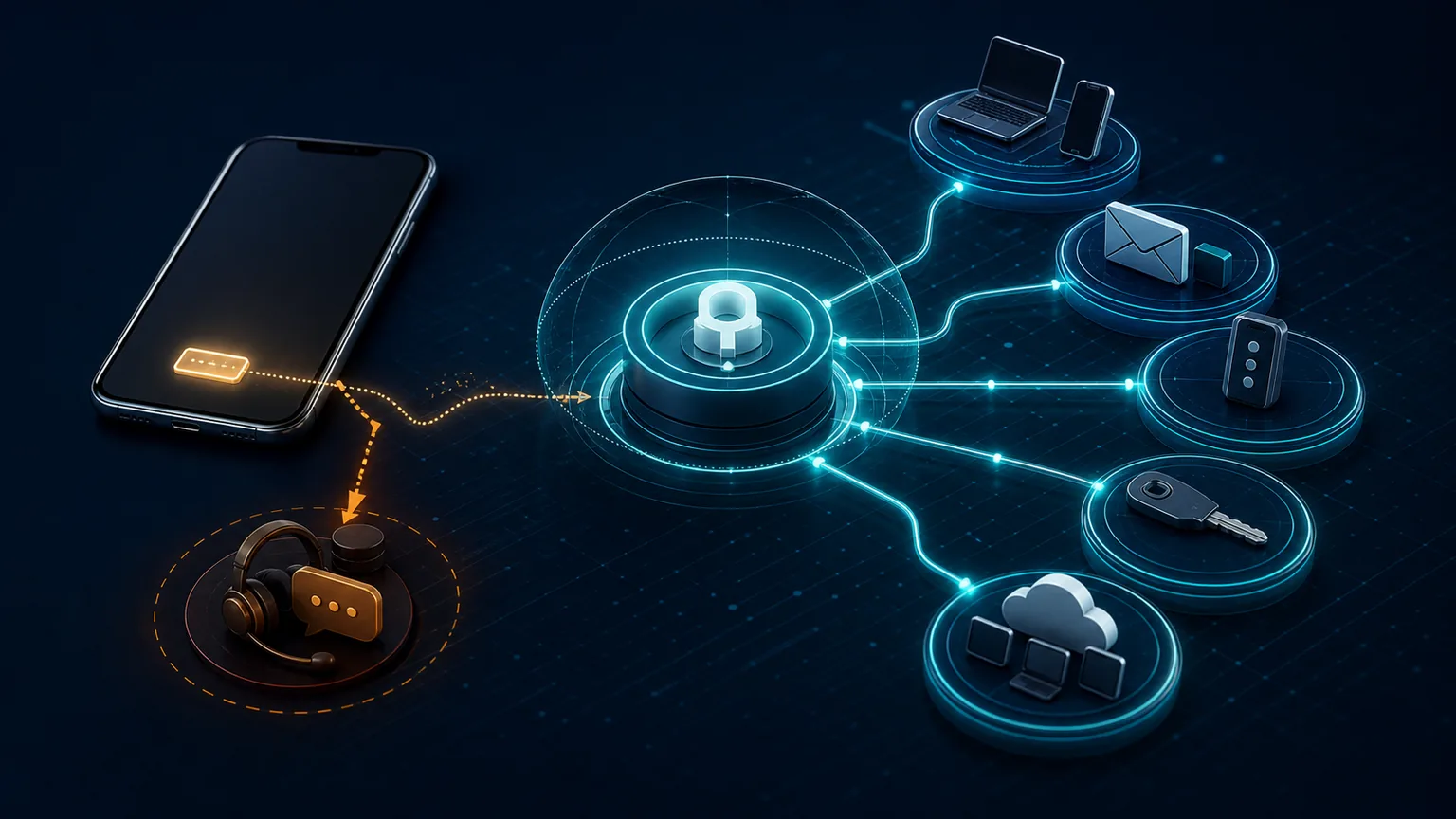
An Apple Account can become a high-value target because it connects trusted devices, iCloud data, recovery methods, Find My, purchases, and authentication prompts. Attackers do not always need a software exploit. A convincing support call, stolen iPhone passcode, compromised email account, or shared verification code may be enough to begin an account takeover.
The most important rule is simple: Apple says it will never ask for your password, device passcode, or two-factor authentication code. Use Apple’s official account address that you type yourself, and contact known organizational support rather than a number supplied by an unexpected caller or message.
Warning signs Apple identifies
Apple’s compromised-account guidance lists signs such as:
- an account sign-in or password-change notification you do not recognize;
- an unsolicited two-factor verification code;
- messages, deleted items, purchases, or device activity you did not initiate;
- a password that no longer works;
- an unfamiliar device associated with the account;
- the iPhone being placed in Lost Mode by someone else;
- account details changed without authorization.
One alert can be a failed attempt rather than a completed takeover. Preserve the notification and examine the account through an independently typed account.apple.com address.
How social engineering defeats strong technology
Apple’s social-engineering guidance describes common tactics: urgency, authority, spoofed contact details, personal information used to sound legitimate, and pressure to disable protections. A caller may claim there is fraud, ask the user to read a code “to cancel it,” or direct the user to a fake support page.
A two-factor code is an authentication secret. Sharing it can authorize the very action the caller claims to stop. Unexpected approval prompts should be denied. Do not install a remote-control app, configuration profile, or certificate at a caller’s direction.

Safe recovery sequence
1. Move to a trusted device and network
If the iPhone may be stolen, remotely controlled, or monitored, use another trusted device. Type account.apple.com directly. Do not follow a search ad, shortened link, text-message link, or email button.
2. Change the Apple Account password
Use Apple’s account or device settings. Choose a unique password not used for email or work accounts. If you cannot sign in, start Apple’s documented account-recovery process. Recovery can take time; no third party can legitimately guarantee a shortcut.
3. Review trusted devices and account details
Remove only devices you can confidently identify as unauthorized. Confirm trusted phone numbers, recovery contacts or keys, email addresses, and personal details. Record changes and timestamps if an investigation or business incident is open.
4. Protect the primary email and phone number
The email account and carrier can control recovery. Change the email password, review its sessions and forwarding rules, enable strong authentication, and contact the carrier through a known channel if SIM or eSIM abuse is suspected. Add carrier account protections appropriate to the service.
5. Review exposed services
Check iCloud data, payment methods, purchases, messages, Find My activity, password-manager access, and applications that use Sign in with Apple. For a business user, review identity-provider, email, VPN, collaboration, financial, and administrative sessions available from the phone.
6. Enable remaining safeguards
Use two-factor authentication, Stolen Device Protection, a strong device passcode, and phishing-resistant security keys for users with exceptional targeting risk where operationally appropriate. Keep recovery methods current and stored safely.
Business incident actions
An Apple Account may be personally owned even when the iPhone accesses business resources. Respect privacy boundaries while containing business exposure. The organization should:
- verify the employee through a method that does not depend only on the affected phone;
- revoke or review corporate sessions and authentication methods;
- check MDM status, compliance, and device ownership;
- assess whether business secrets, regulated data, or administrative access were reachable;
- preserve sign-in, email, and cloud logs;
- avoid asking for the employee’s personal Apple password or verification codes;
- document notification, contractual, insurance, legal, and privacy decisions with qualified advisers.
Recovery scams after the incident
People who report account loss may receive new calls or messages claiming the phone was found or the account can be restored. A scammer may request that the device be removed from Find My, which can weaken Activation Lock. Apple’s stolen-iPhone guidance advises users not to share passcodes or verification codes and to be cautious about messages regarding a found device.
Do not confront someone at a mapped device location. Use law enforcement and Apple’s documented process when appropriate.
Prevention checklist
- Use a unique Apple Account password.
- Keep two-factor authentication enabled.
- Never share a verification code or device passcode.
- Enable Stolen Device Protection and consider “Always” for elevated risk.
- Protect the primary email account and carrier recovery path.
- Review trusted devices and recovery information periodically.
- Lock or hide sensitive applications where appropriate.
- Keep iOS current and business devices properly managed.
- Teach users to type official account addresses rather than follow urgent links.
- Maintain a separate way to contact business support after phone loss.
Executives and other high-risk users can evaluate Apple Account security keys with a tested custody and recovery plan. If the phone is missing, use the lost or stolen business iPhone playbook; where personal iCloud data is involved, the Advanced Data Protection business decision guide explains encryption and recovery tradeoffs.
The iPhone Security Review Checklist includes Apple Account and device-management review steps. The mobile-device security assessment helps connect user settings to business policy.
Sources
Review account recovery before an emergency
OC Security Audit can assess mobile identity, recovery, phishing resistance, administrative access, and incident workflows. Contact OC Security Audit and learn about Ali Hassani, CISO, for experienced security and infrastructure guidance.
Update and correction history
- August 2026: Apple source links were revalidated and updated to current official canonical destinations; the surrounding analysis and conclusions were unchanged.
- July 2026: Initial account-defense guide prepared from Apple sources available through July 31, 2026.